Choosing the right ERP software company in Noida can transform your business operations completely. The National Capital Region has become a hub for enterprise software development. Businesses across manufacturing, retail, and service sectors increasingly rely on robust ERP solutions to improve efficiency and accelerate growth.
Enterprise Resource Planning (ERP) systems integrate all business processes into a unified platform. These systems streamline operations including inventory management, finance, human resources, procurement, sales, and customer relationship management, helping organizations make better data-driven decisions.
Noida is home to numerous ERP software development companies offering customized solutions tailored to specific industries and business requirements. This comprehensive guide explores ERP software services, implementation strategies, key features, benefits, and how to select the best ERP software company in Noida for your organization.

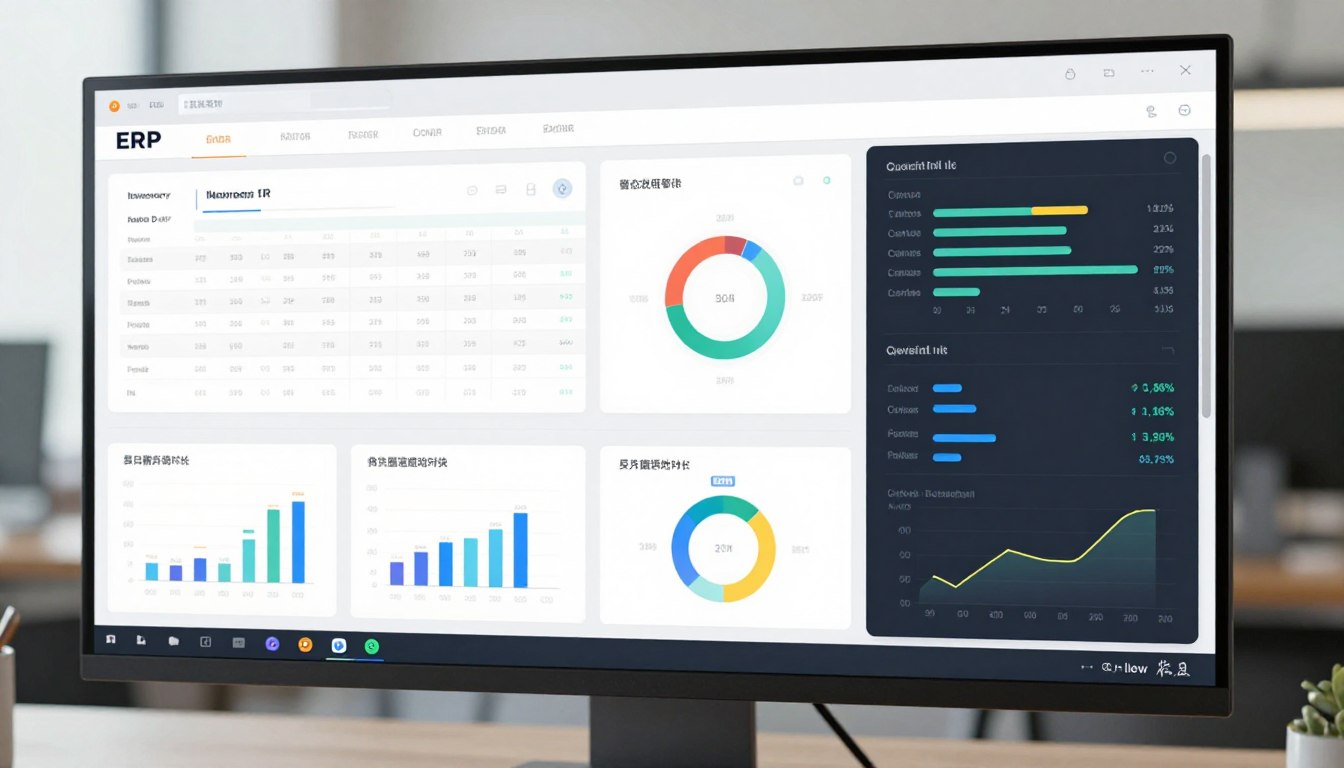
Enterprise Resource Planning represents the backbone of modern business management. An ERP system consolidates data from different departments into a single database. This integration eliminates data silos and provides real-time insights across your organization.
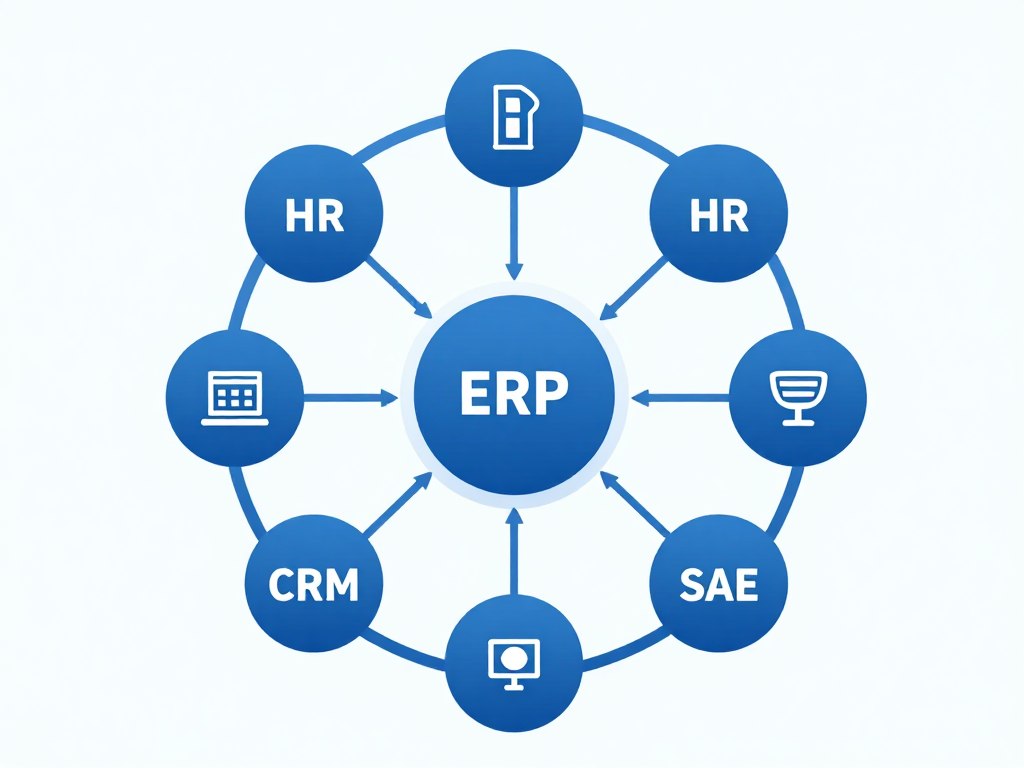
ERP solutions integrate multiple business functions into one comprehensive system. The platform manages financial accounting, human resources, supply chain, and customer relationships. Each module works together to provide complete visibility into business operations and performance.
ERP systems revolutionize how businesses manage daily operations and long-term planning. The software automates repetitive tasks and reduces manual data entry significantly. This automation frees up staff time for strategic activities that drive business growth.

Real-time data access enables faster decision-making across all management levels. Leaders can monitor key performance indicators and respond to market changes quickly. The system provides accurate forecasting capabilities for better resource planning and allocation.
Our ERP experts in Noida offer free consultation to assess your business needs. We help you understand which ERP solution fits your industry and budget. Schedule your no-obligation consultation today and discover how ERP can streamline your operations.
ERP software companies in Noida offer various solution types to match different business requirements. Each deployment model has distinct advantages for specific operational needs and budgets. Understanding these options helps you make an informed decision for your enterprise.
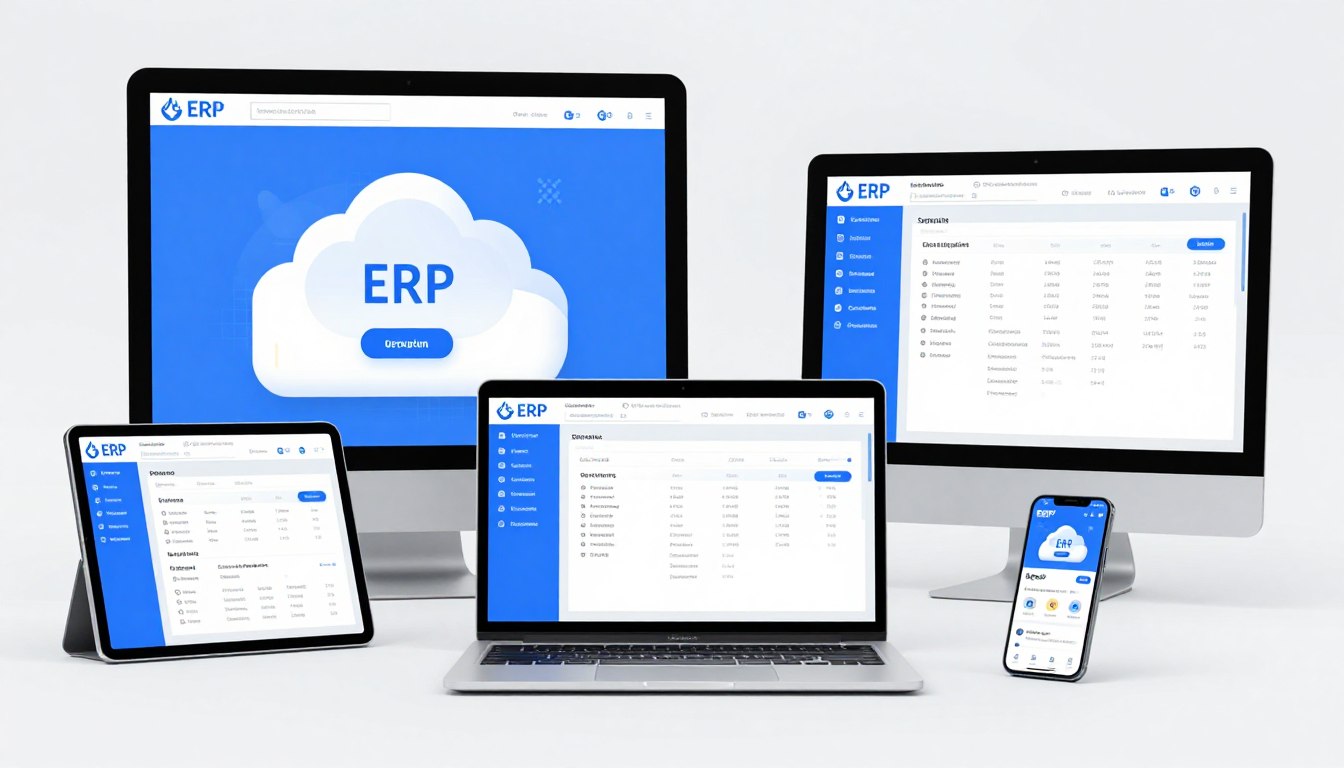
Cloud ERP solutions deliver software through internet-based platforms hosted by providers. These systems require no on-premise hardware or extensive IT infrastructure investment. Businesses access the platform through web browsers from any location with internet connectivity.
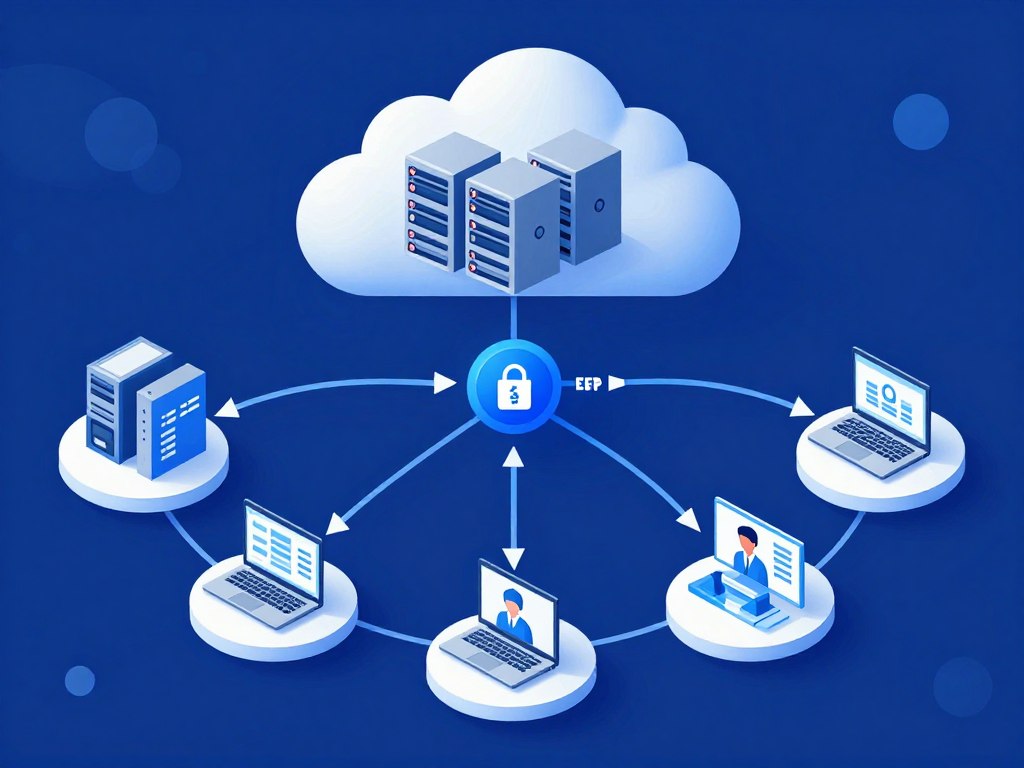
The cloud model offers significant advantages for small and medium enterprises. You pay monthly or annual subscription fees instead of large upfront costs. The provider handles system maintenance, updates, and data security measures automatically.
On-premise ERP systems are installed locally on company-owned servers and infrastructure. Organizations maintain complete control over the software, data, and customization options. This model suits businesses with specific security requirements or regulatory compliance needs.
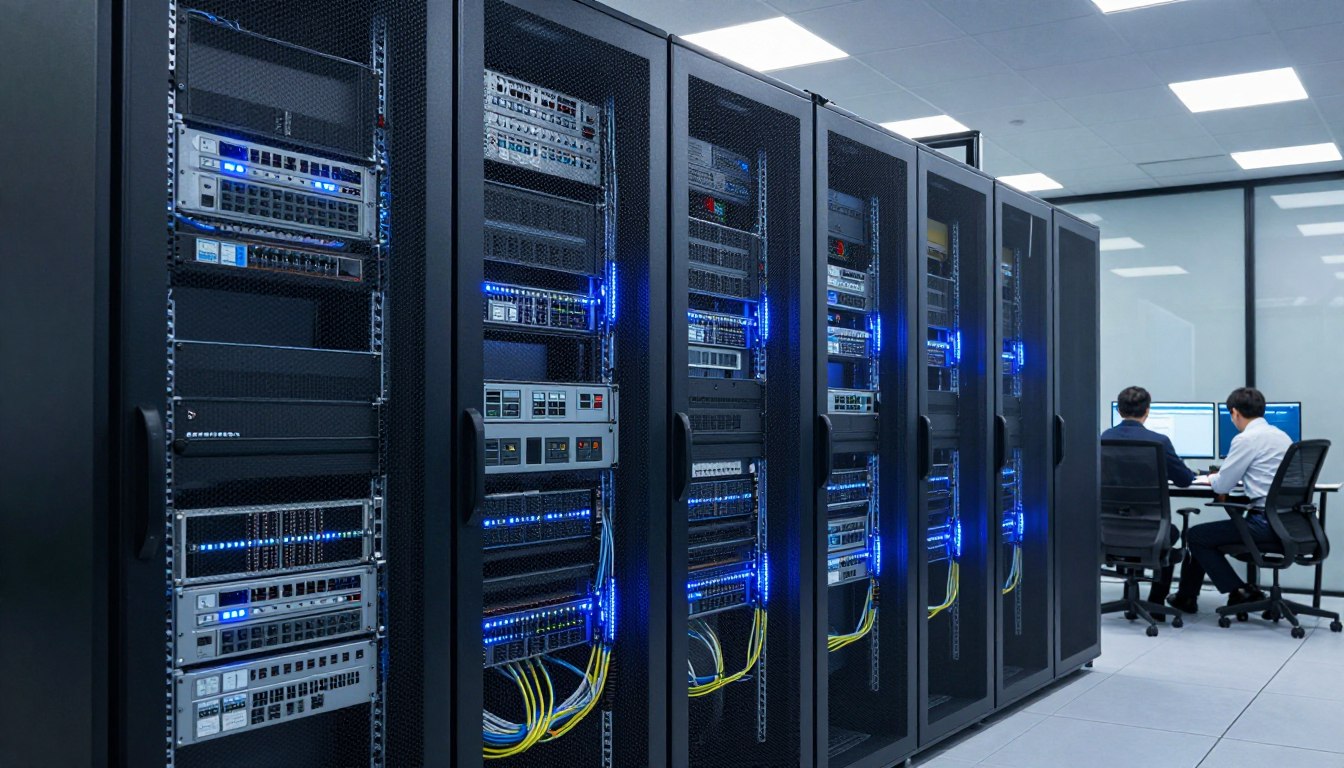
Large enterprises often prefer on-premise deployments for maximum customization capabilities. The system integrates deeply with existing business processes and legacy applications. Companies invest in hardware, software licenses, and dedicated IT staff for management.
Hybrid ERP combines cloud and on-premise components for balanced functionality. Critical data remains on local servers while other modules operate in cloud. This approach provides flexibility and addresses both security and accessibility requirements effectively.
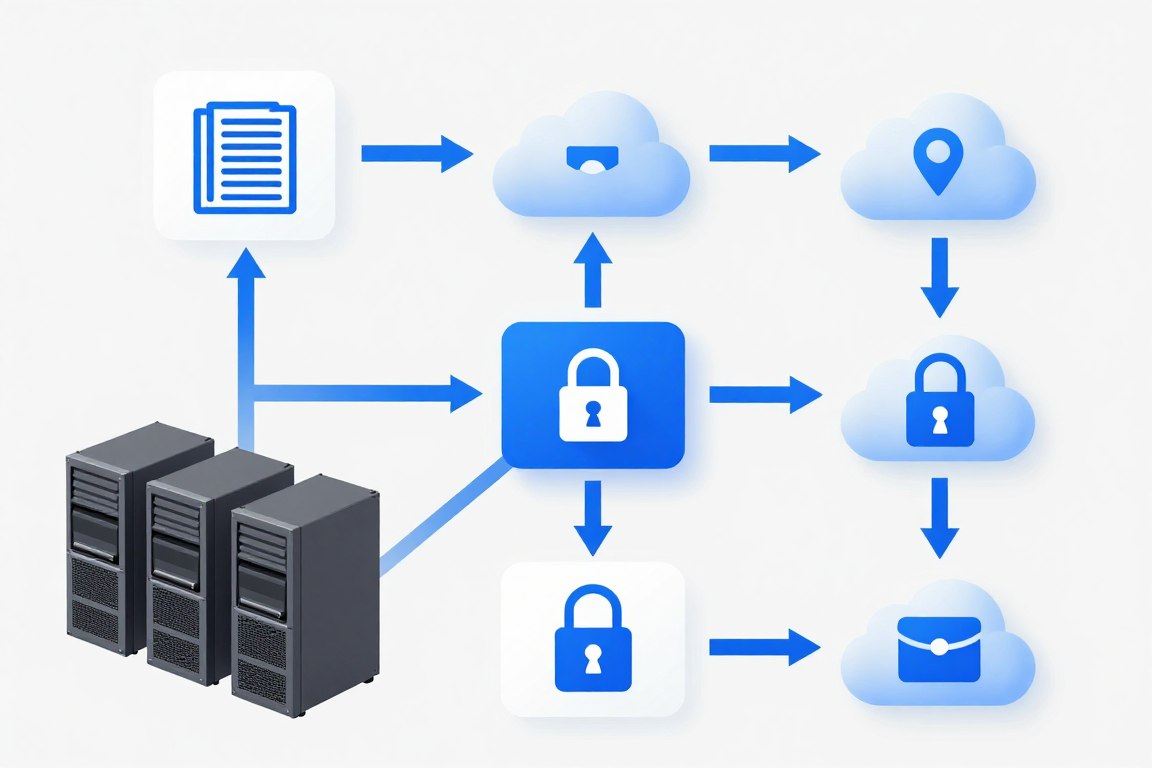
Best for small to medium businesses seeking cost-effective solutions. Offers quick deployment and minimal IT requirements. Perfect for businesses needing remote access and scalability without large capital investment.

Ideal for large enterprises with complex customization needs. Provides maximum control over data and system configuration. Suitable for industries with strict regulatory compliance requirements and security standards.
Balanced approach for businesses wanting flexibility and control. Combines benefits of both cloud and on-premise deployments. Best for organizations transitioning from legacy systems to modern platforms gradually.
Specialized ERP systems cater to unique requirements of specific industries and sectors. These solutions include pre-configured workflows and features for particular business types. Industry-focused ERP reduces customization needs and accelerates implementation significantly.
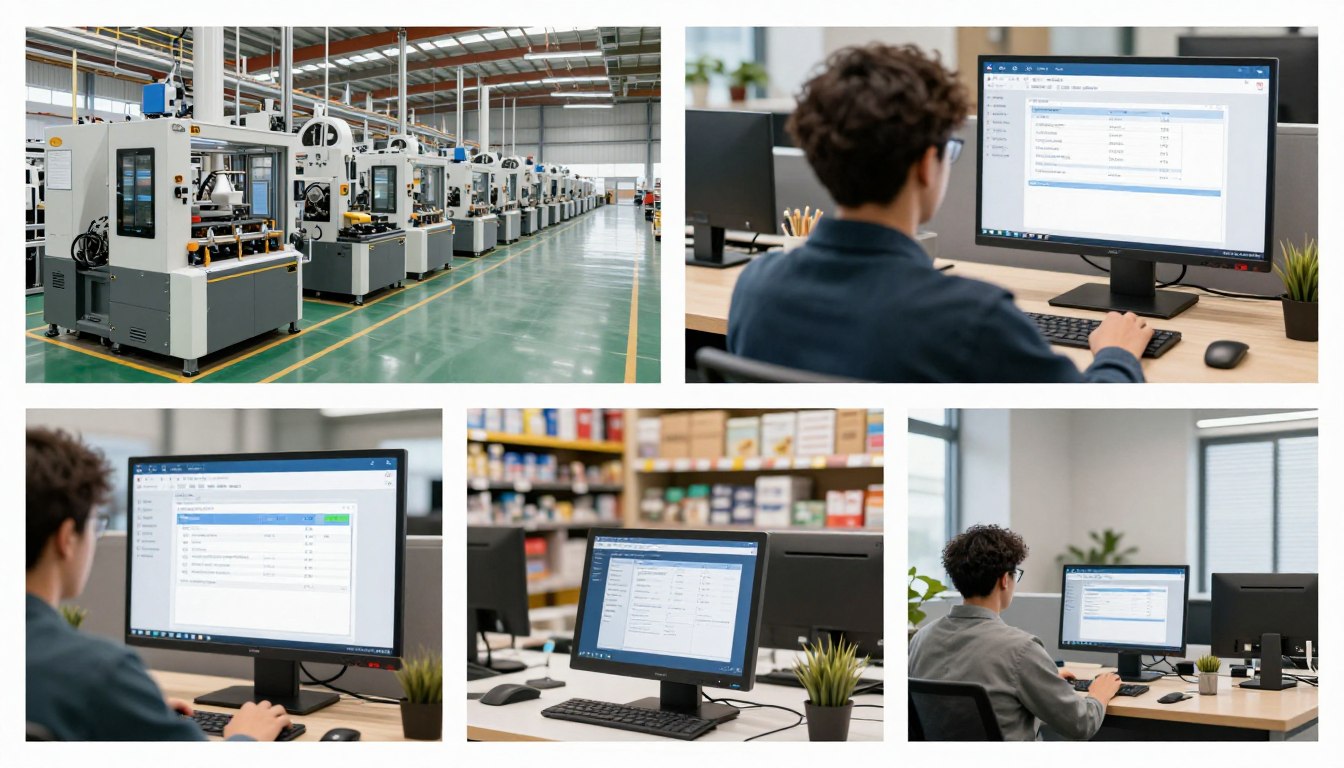
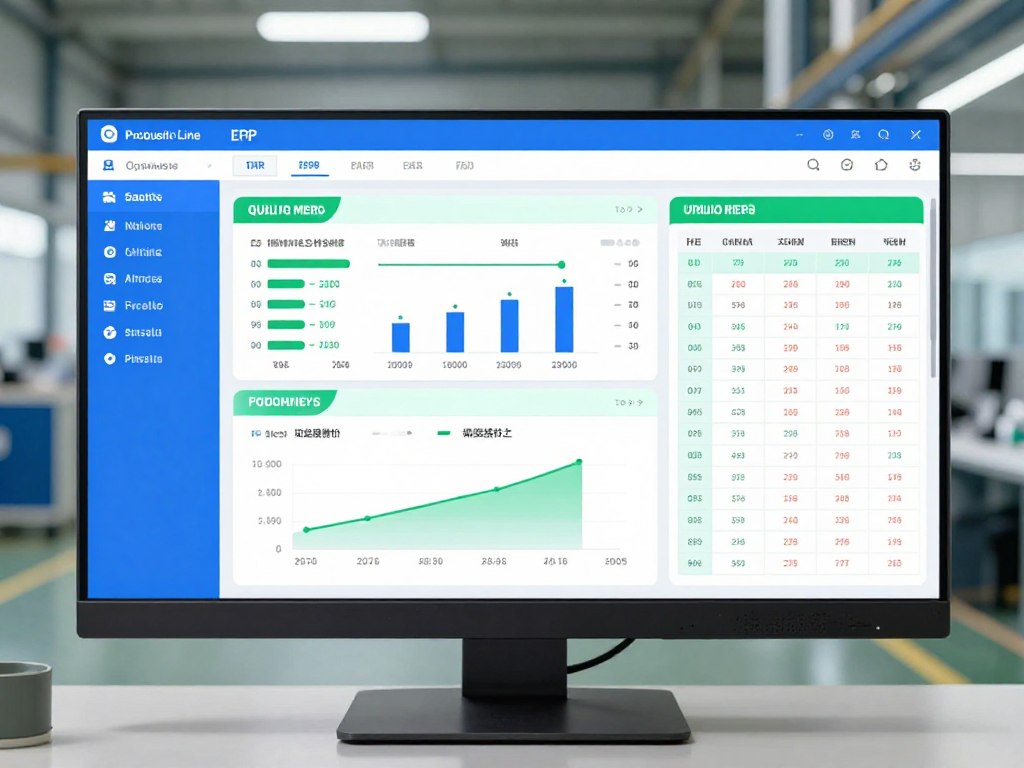
Manufacturing ERP focuses on production planning, quality control, and supply chain optimization. The system manages bill of materials, production scheduling, and shop floor operations. Real-time tracking provides visibility into manufacturing processes and inventory levels across facilities.
Retail ERP manages point-of-sale systems, inventory across multiple locations, and customer data. The platform integrates online and offline sales channels into unified operations. Businesses gain insights into customer behavior, sales trends, and inventory optimization opportunities.
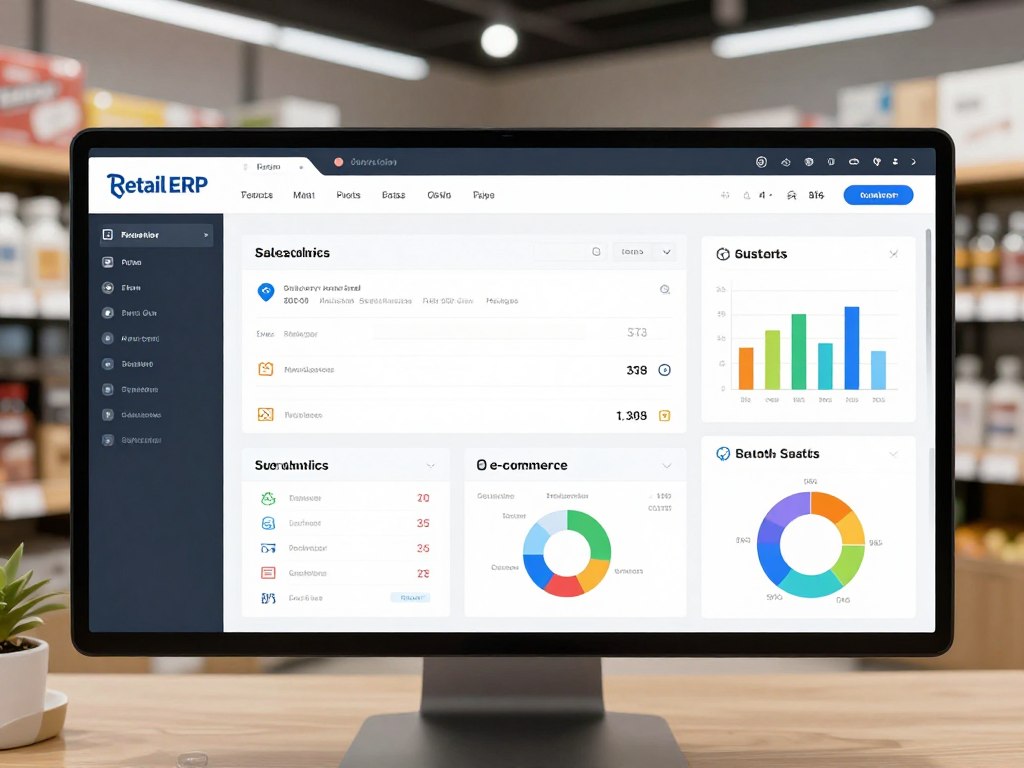
Advanced retail ERP supports omnichannel commerce strategies effectively today. The system synchronizes inventory between physical stores and online platforms automatically. Customer loyalty programs, promotions, and pricing strategies integrate seamlessly across all channels.
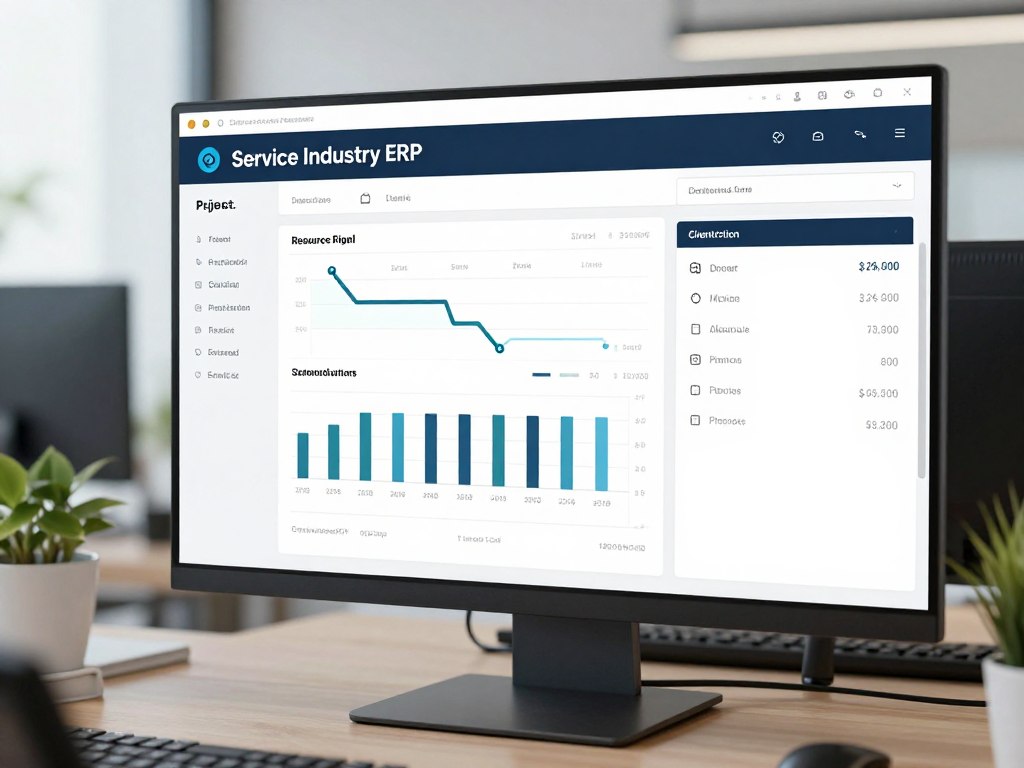
Service-based ERP focuses on project management, time tracking, and resource allocation. Professional services firms use these systems for client billing and project profitability analysis. The software manages service contracts, maintenance schedules, and field service operations efficiently.
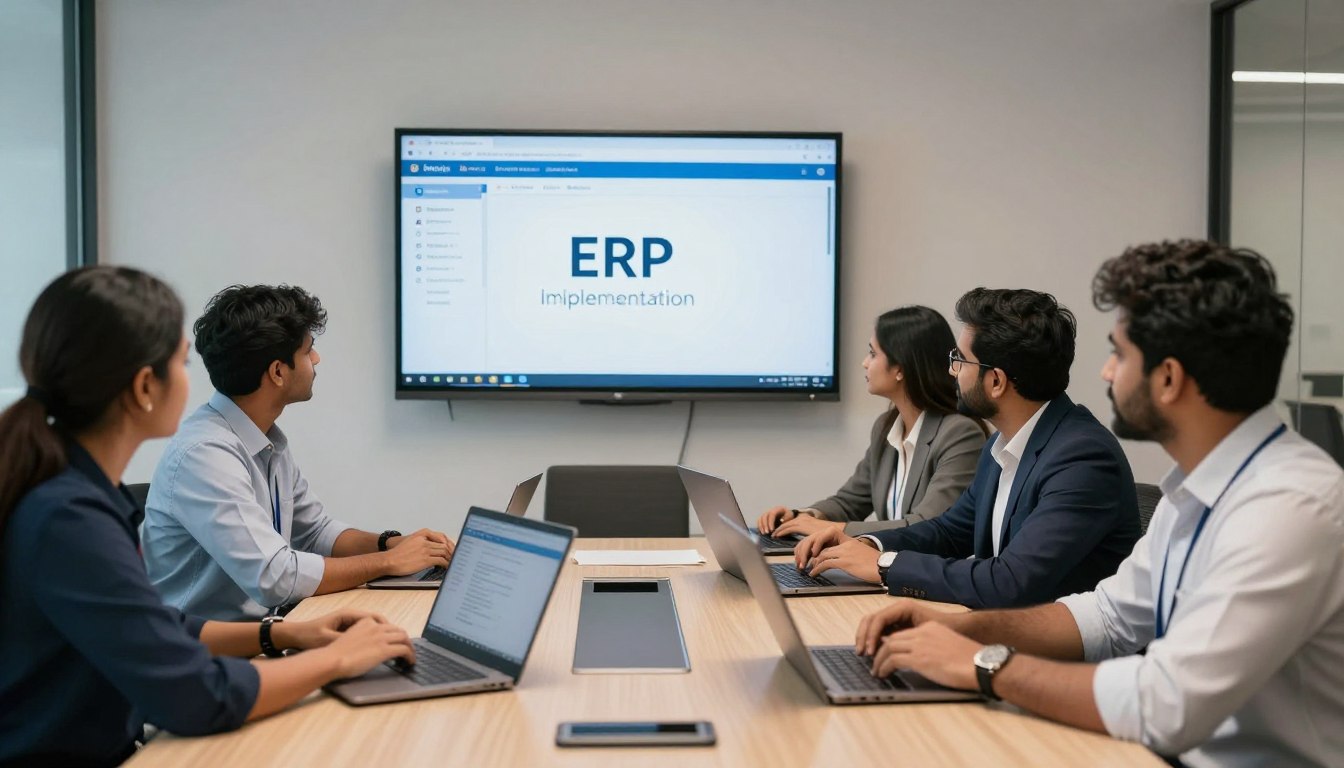
Leading ERP software companies in Noida provide comprehensive services beyond software development. These services ensure successful implementation and long-term system performance. A full-service approach delivers value throughout the entire ERP lifecycle from planning to support.
Custom development creates ERP solutions tailored to unique business requirements and workflows. Development teams analyze your processes and design software matching exact specifications. This approach ensures the system aligns perfectly with organizational needs and industry standards.

Custom ERP development addresses gaps that off-the-shelf solutions cannot fill adequately. Developers build specialized modules for niche industry requirements or unique operational processes. The platform integrates seamlessly with existing business systems and third-party applications.
Implementation services guide businesses through the complete ERP deployment process systematically. Consultants develop detailed project plans with timelines, milestones, and resource allocation. The structured approach minimizes disruption to ongoing business operations during transition.
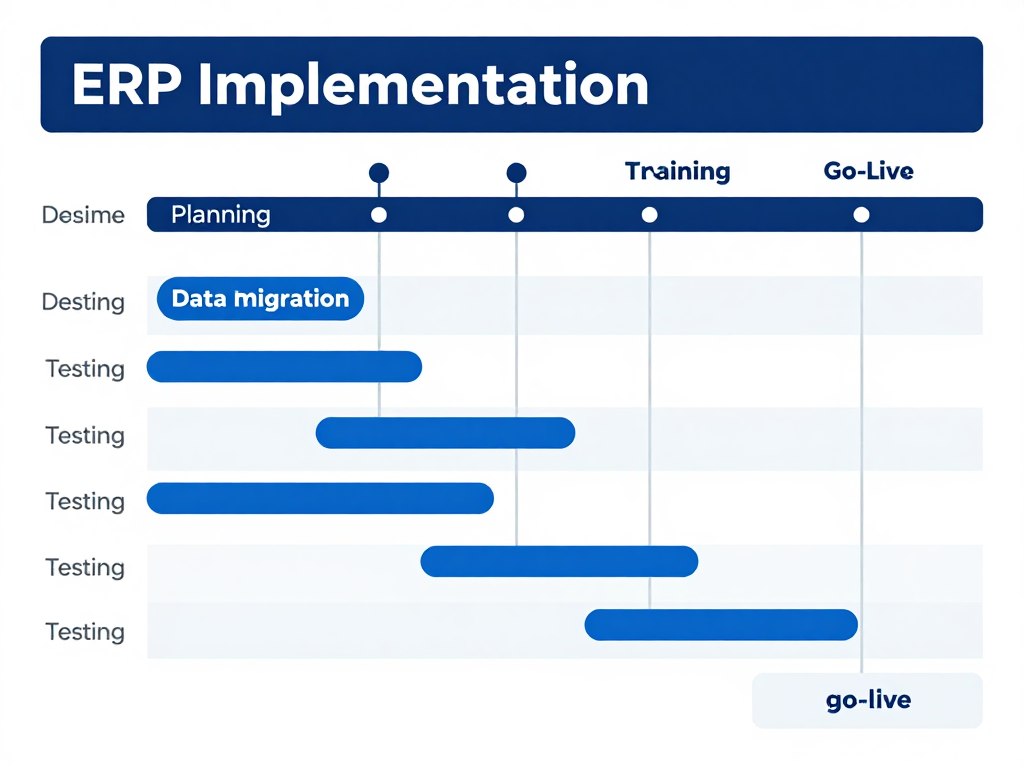
Data migration represents a critical phase in ERP implementation requiring careful planning. Teams extract data from legacy systems, clean and validate information, then import into new platform. Comprehensive testing ensures data integrity and system functionality before full deployment.

Comprehensive assessment of business requirements and current systems. Define project scope, objectives, and success metrics. Build implementation team and allocate resources.
System setup and customization based on requirements. Configure modules, workflows, and user permissions. Establish integration points with existing systems.
Extract data from legacy systems and prepare for transfer. Clean, validate, and map data to new structure. Import and verify data integrity in ERP system.

Conduct comprehensive system testing across all modules. Perform user acceptance testing with key stakeholders. Identify and resolve issues before deployment.

Provide comprehensive training to all user groups. Create documentation and training materials. Ensure users understand system functionality and workflows.

Execute cutover plan and launch ERP system. Provide on-site support during initial operation period. Monitor system performance and user adoption.
Integration services connect ERP systems with existing business applications and external platforms. APIs and middleware enable seamless data exchange between different software solutions. Integrated systems eliminate manual data entry and ensure information consistency across platforms.
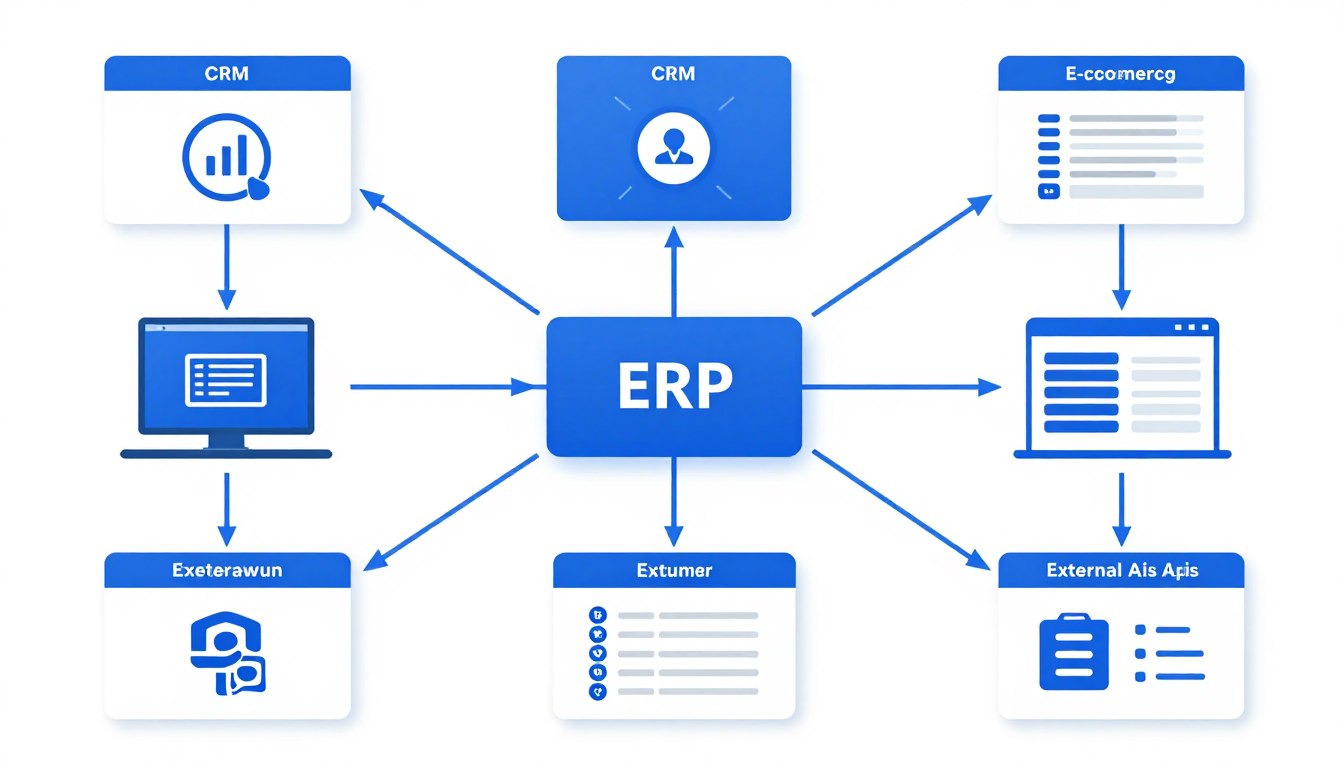
Common integrations include e-commerce platforms, payment gateways, and shipping providers. CRM systems sync customer data with ERP for unified customer management. Accounting software integration ensures financial data consistency and regulatory compliance.
Support services ensure ERP systems continue operating efficiently after implementation. Technical teams provide troubleshooting, bug fixes, and system optimization services. Regular maintenance keeps the platform secure and updated with latest features.

Proactive monitoring identifies potential issues before they impact business operations significantly. Performance optimization improves system speed and user experience over time. Regular updates add new features and maintain compatibility with evolving technology standards.
Tell us about your business requirements and challenges. Our ERP specialists in Noida will analyze your needs and recommend the best solution. Fill out this form to start your ERP transformation journey today.

ERP implementation delivers transformative benefits that impact every aspect of business operations. Organizations experience improved efficiency, reduced costs, and enhanced decision-making capabilities. The return on investment becomes evident through measurable operational improvements and growth.
ERP systems automate repetitive tasks and standardize business processes across departments. Workflows move seamlessly from one department to another without manual intervention. This automation reduces errors, saves time, and allows employees to focus on value-adding activities.
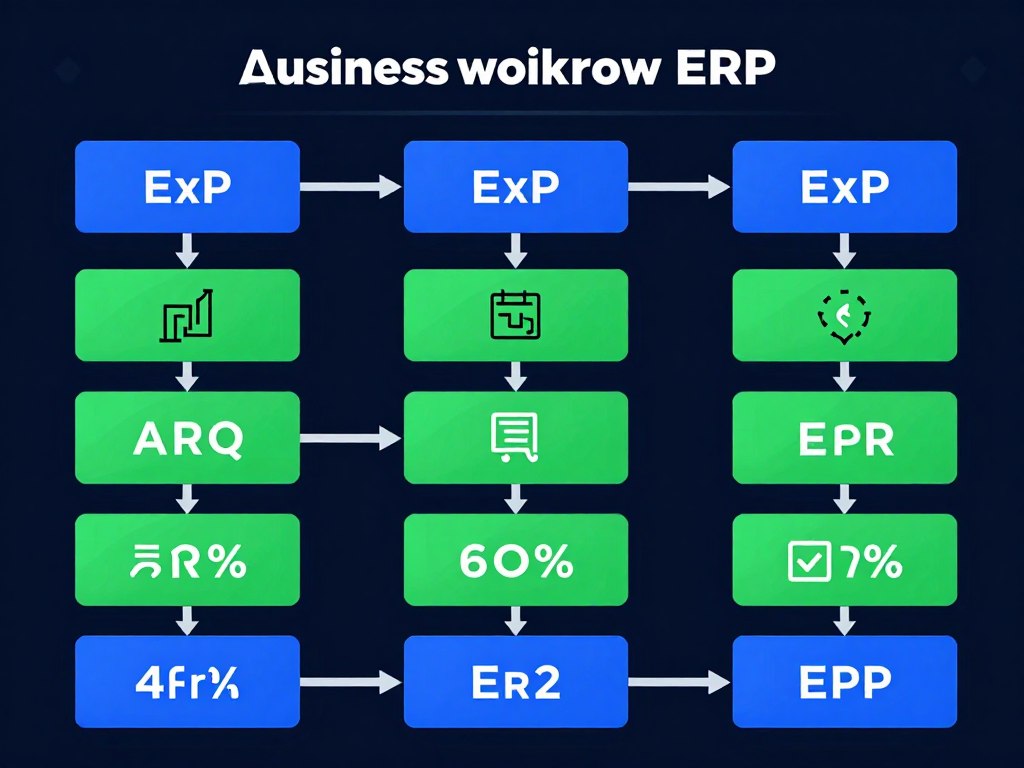
Order processing becomes faster when sales, inventory, and fulfillment systems work together. Purchase requisitions flow automatically through approval workflows to procurement teams. Production schedules adjust dynamically based on demand forecasts and inventory levels.
Centralized data storage eliminates duplicate entries and inconsistent information across systems. All departments access the same accurate data from a single source. Real-time updates ensure everyone works with current information for better coordination.
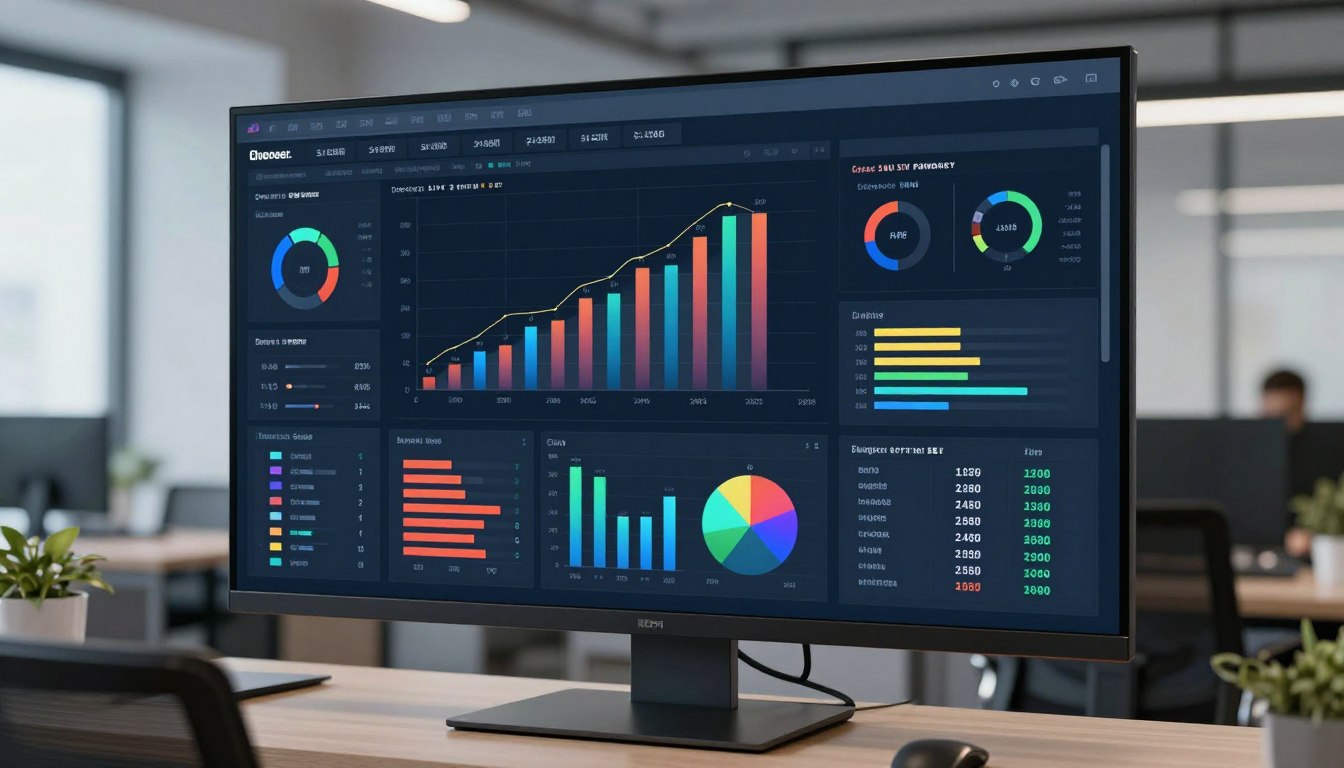
Management gains instant visibility into key performance indicators across the entire organization. Financial reports reflect current status without waiting for month-end consolidation. Inventory levels update in real-time as transactions occur across locations.
Integrated customer data enables personalized service and faster response times across touchpoints. Sales teams access complete customer history including orders, communications, and preferences. Service departments resolve issues quickly with full visibility into customer accounts and product details.
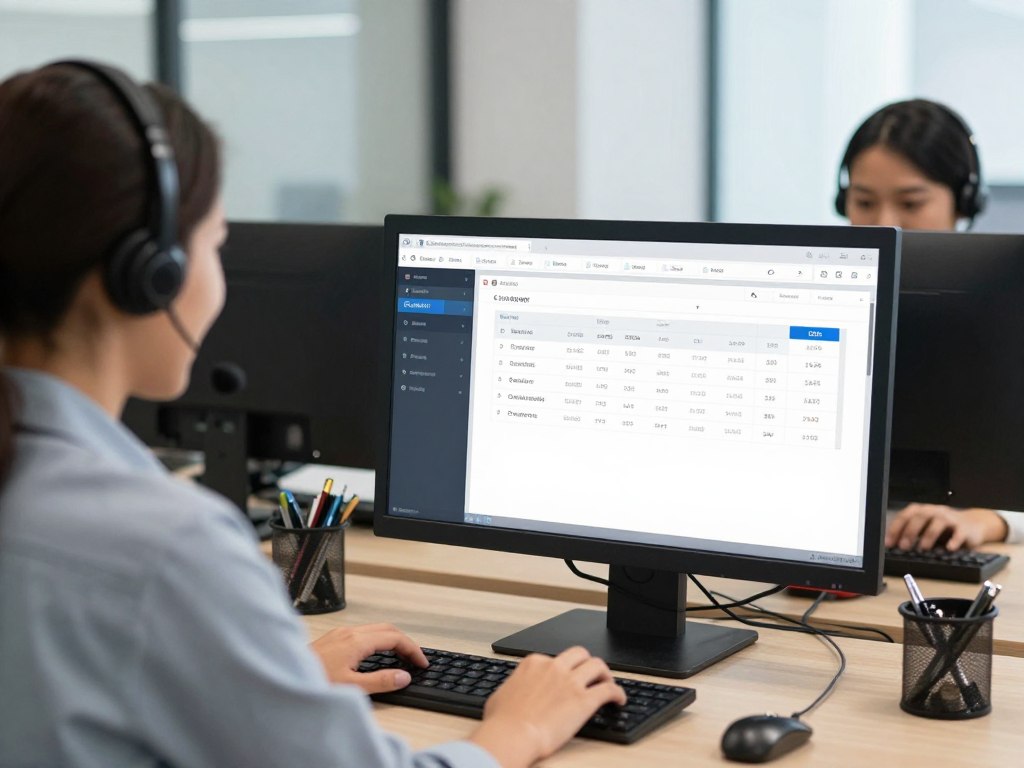
Order tracking becomes transparent with real-time updates from production through delivery. Customers receive accurate delivery estimates based on actual inventory and production schedules. Automated notifications keep customers informed throughout the order fulfillment process.
ERP provides comprehensive financial visibility with integrated accounting and reporting capabilities. All financial transactions from different departments consolidate automatically into unified statements. This integration simplifies regulatory compliance and financial audits significantly.
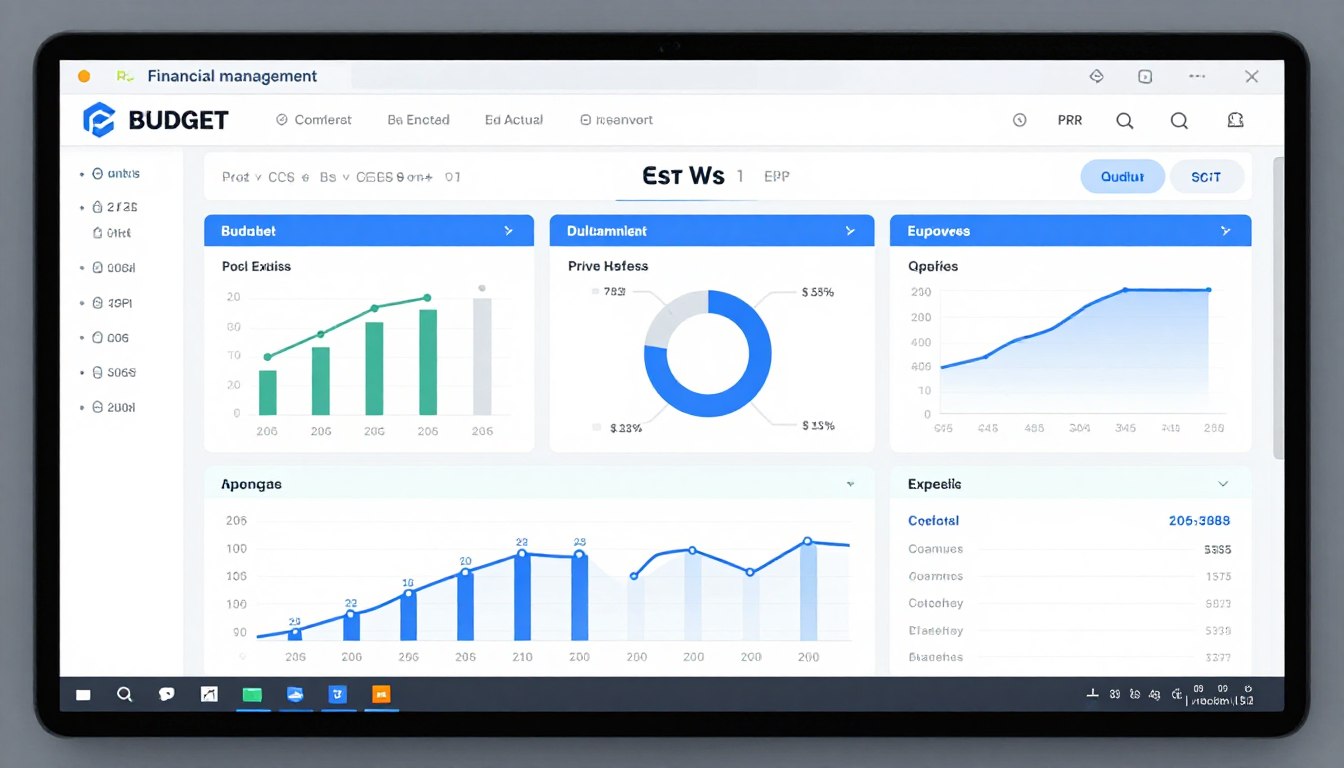
Cost tracking becomes granular with detailed insights into operational expenses by department. Budget management improves with real-time spending visibility and automated alerts for overages. Financial forecasting becomes more accurate using historical data and current trends.
ERP systems dramatically improve daily operational efficiency across all business functions. Automation reduces manual work and accelerates process completion.
Better inventory management reduces carrying costs while improving product availability. Real-time tracking prevents stockouts and excess inventory.
Improved financial controls and visibility lead to better profitability. Cost savings and revenue growth contribute to strong ROI.
ERP enables better strategic planning and competitive positioning. Data-driven insights support growth and market expansion.
Modern ERP systems scale seamlessly as businesses expand operations or enter new markets. Adding users, locations, or functionality happens without replacing the entire system. Cloud platforms particularly offer elastic resources that grow with demand.
Multi-location businesses manage operations across different sites through unified systems today. Currency and language support enables international expansion without system limitations. The platform accommodates increasing transaction volumes and user counts without performance degradation.

Choosing the right ERP software company determines implementation success and long-term satisfaction. Multiple factors influence this critical decision beyond just software features. Thorough evaluation of providers ensures you select a partner aligned with business goals.
Industry-specific experience ensures the ERP provider understands your unique business challenges. Providers with domain expertise deliver solutions configured for industry best practices. They anticipate requirements and potential obstacles based on similar implementations.
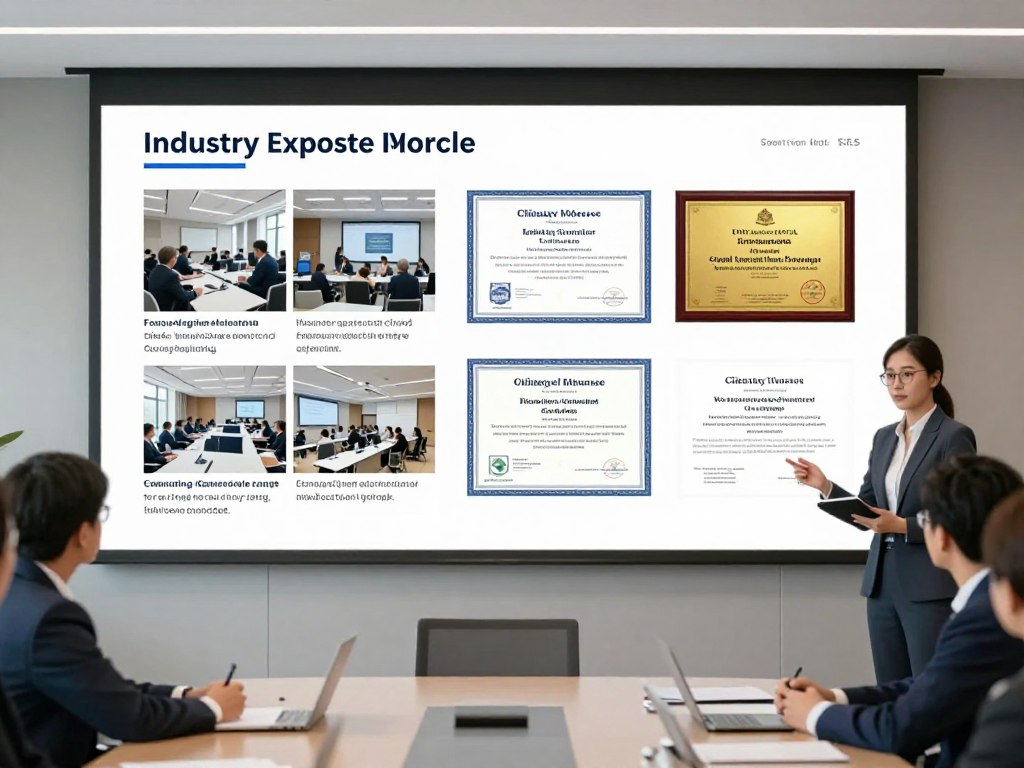
Review provider portfolios and case studies from companies in your industry sector. Ask for references from similar-sized businesses with comparable requirements. Experienced providers offer valuable insights during planning and implementation phases.
Evaluate the underlying technology platform for modern architecture and future compatibility. The system should integrate easily with existing business applications and external services. Open APIs and standard protocols ensure flexibility for future technology changes.
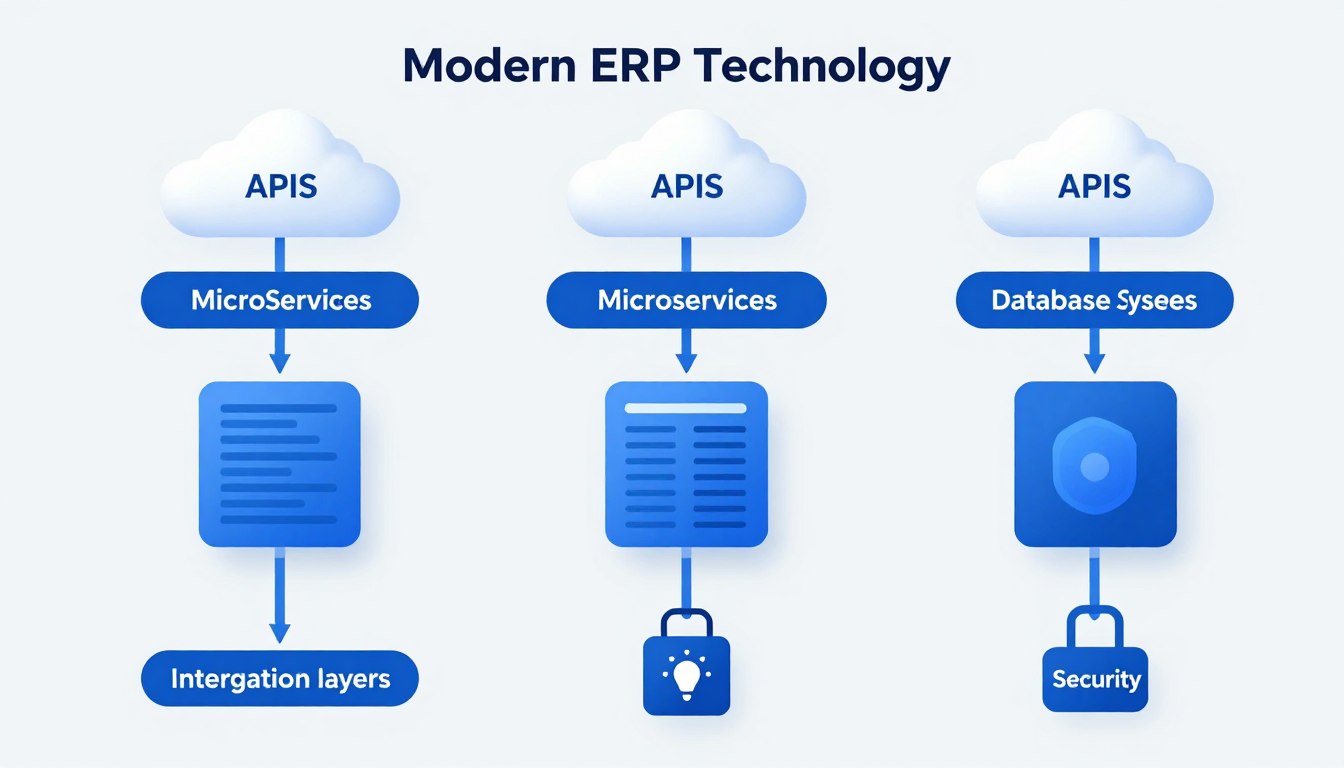
Cloud-native platforms offer better scalability and lower maintenance requirements than legacy systems. Mobile accessibility enables field workers and remote teams to access critical information. The platform should support industry-standard integration protocols and data formats.
Business-specific requirements often need customization beyond standard software configuration options. Evaluate how easily the platform accommodates custom workflows, fields, and reports. Excessive customization can complicate upgrades, so balance flexibility with maintainability.
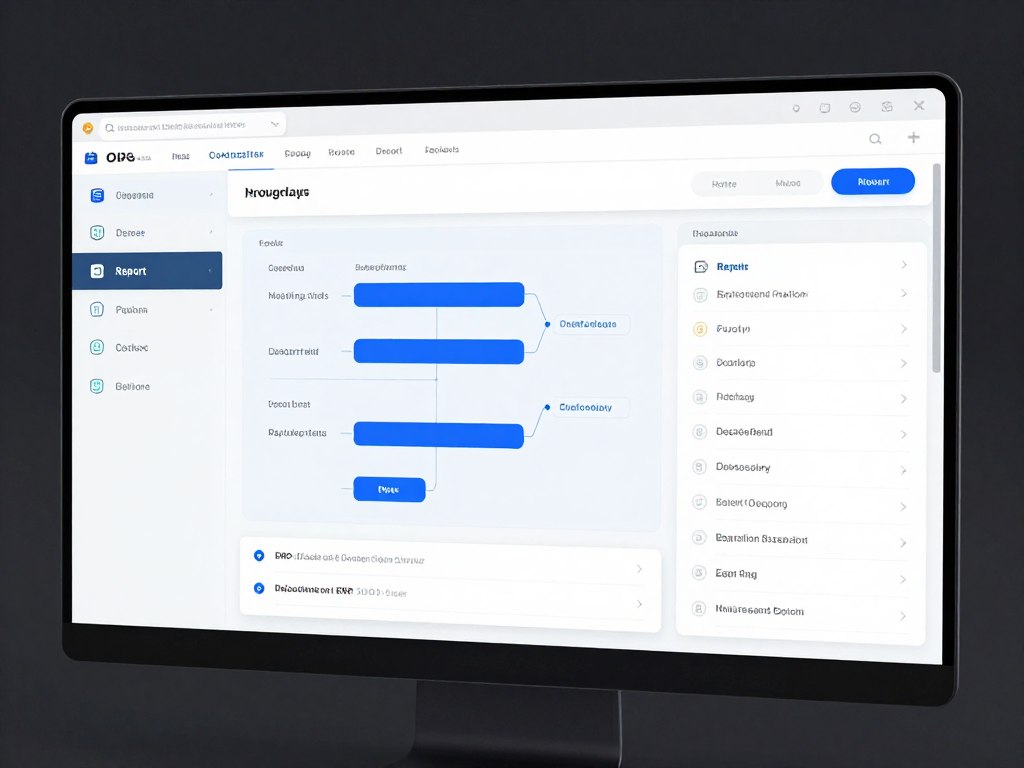
Scalability ensures the system handles growth in users, transactions, and data volume. The architecture should support adding new modules or functionality as needs evolve. Consider how the provider handles version updates and whether customizations survive upgrades.
Structured implementation methodologies reduce risk and ensure project success through proven processes. Understand the provider's approach to requirements gathering, testing, and training phases. Clear project management and communication protocols prevent misunderstandings during implementation.

Ongoing support quality significantly impacts long-term satisfaction with ERP investments today. Evaluate support response times, availability, and escalation procedures for critical issues. Local support teams in Noida provide advantages for on-site assistance and timezone alignment.
Total cost of ownership includes software licenses, implementation, training, and ongoing support. Cloud subscriptions spread costs over time compared to large upfront on-premise investments. Consider hidden costs like customization, data migration, and infrastructure requirements.
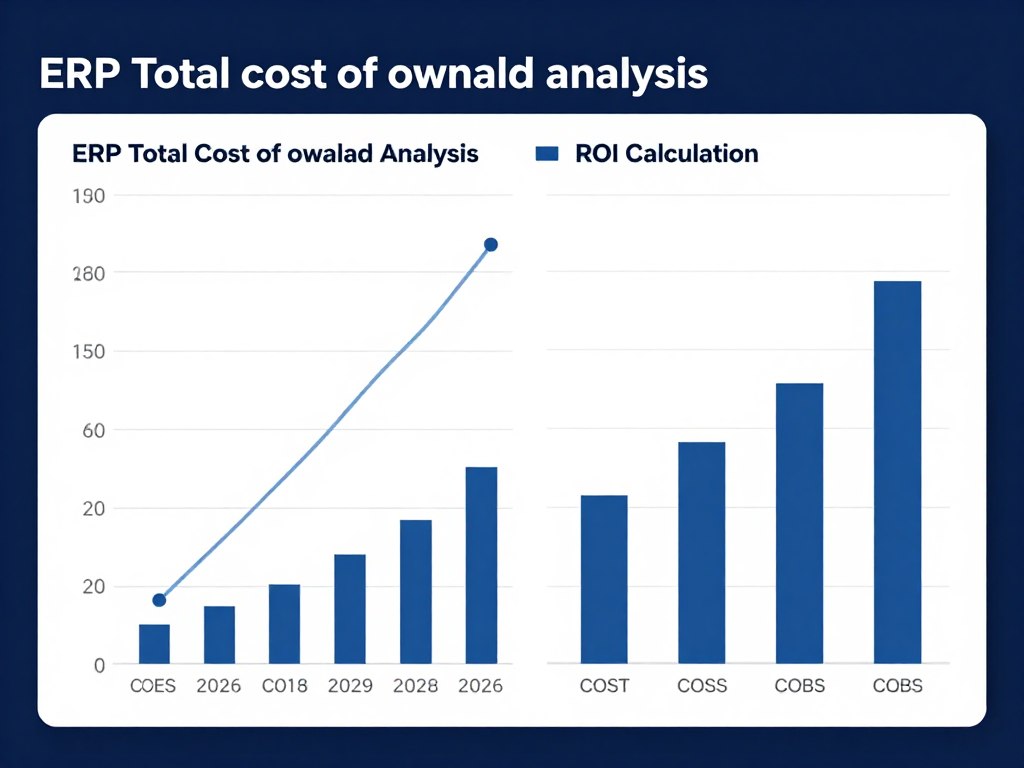
Calculate expected return on investment through quantifiable efficiency gains and cost reductions. Factor in productivity improvements, error reduction, and better decision-making capabilities. Most businesses achieve positive ROI within two to three years after implementation.
Data security remains paramount when evaluating ERP providers for sensitive business information. Verify security certifications, encryption standards, and access control mechanisms implemented. Cloud providers should demonstrate compliance with international security standards and regulations.
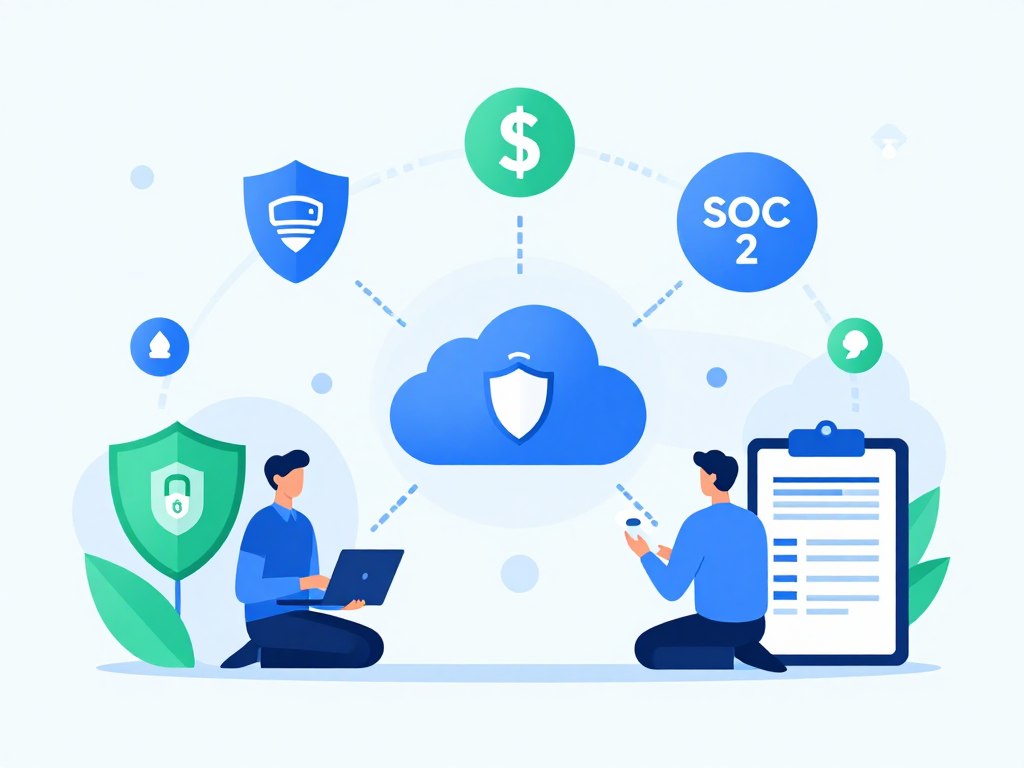
Industry-specific compliance requirements like GDPR, SOX, or FDA regulations need proper support. The system should provide audit trails, data retention policies, and compliance reporting. Regular security updates and vulnerability assessments protect against evolving threats.
Partner with financially stable companies committed to ongoing product development and support. Research the provider's history, client base size, and market presence. Established vendors offer greater assurance of continued support and platform evolution.
Product roadmap transparency shows commitment to innovation and platform improvement over time. Active development communities indicate healthy ecosystems around the software platform. Consider the provider's investment in research and development for future technologies.
Partner with Noida's leading ERP software company for your digital transformation journey. Our experienced team delivers custom ERP solutions that drive efficiency and growth. We offer free initial consultation to understand your requirements and recommend the perfect solution.
Limited Time Offer: Get 20% off on implementation services for projects started this quarter. Don't miss this opportunity to modernize your business operations at reduced cost.
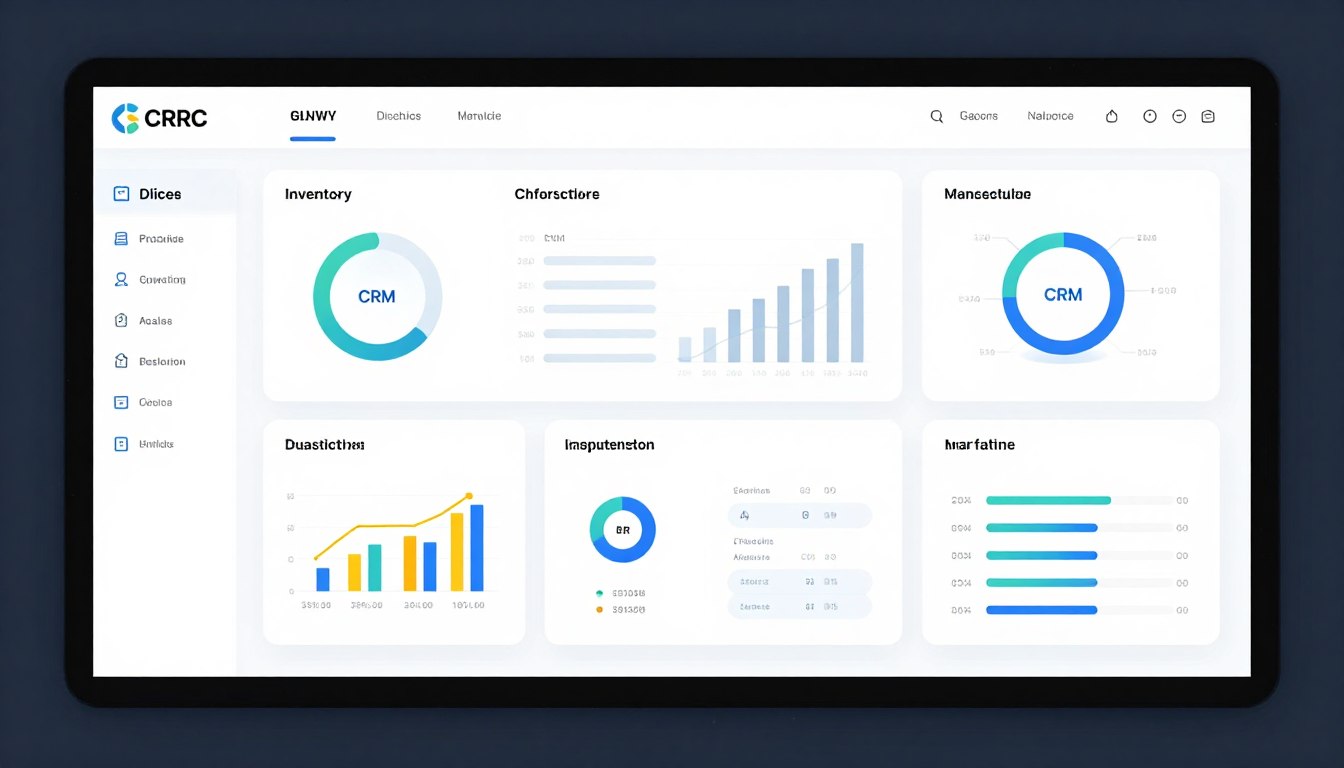
Modern ERP systems offer comprehensive features addressing diverse business management requirements today. Understanding essential capabilities helps evaluate solutions effectively during vendor selection. Feature-rich platforms provide better value and reduce need for multiple separate systems.
Robust inventory management tracks stock levels, locations, and movements across business operations. The system provides real-time visibility into inventory status for better decision-making. Advanced features support multiple warehouses, bins, and complex inventory structures.
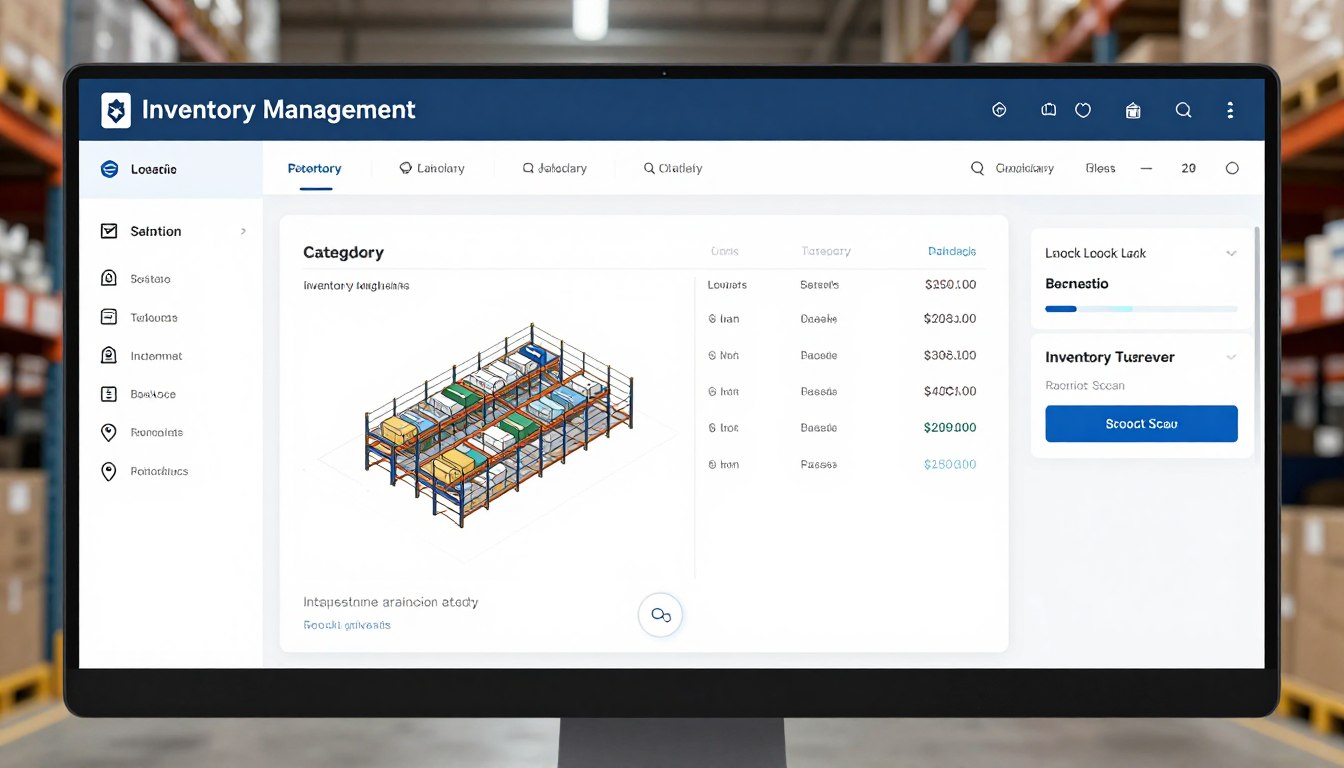
Automated reorder points trigger purchase requisitions when stock falls below defined levels. Batch and serial number tracking enables complete product traceability for quality control. Inventory forecasting uses historical data and trends to optimize stock levels.
Comprehensive accounting modules manage general ledger, accounts payable, and accounts receivable functions. Multi-currency support enables international business operations and foreign exchange management. Automated reconciliation features reduce manual accounting work and improve accuracy.
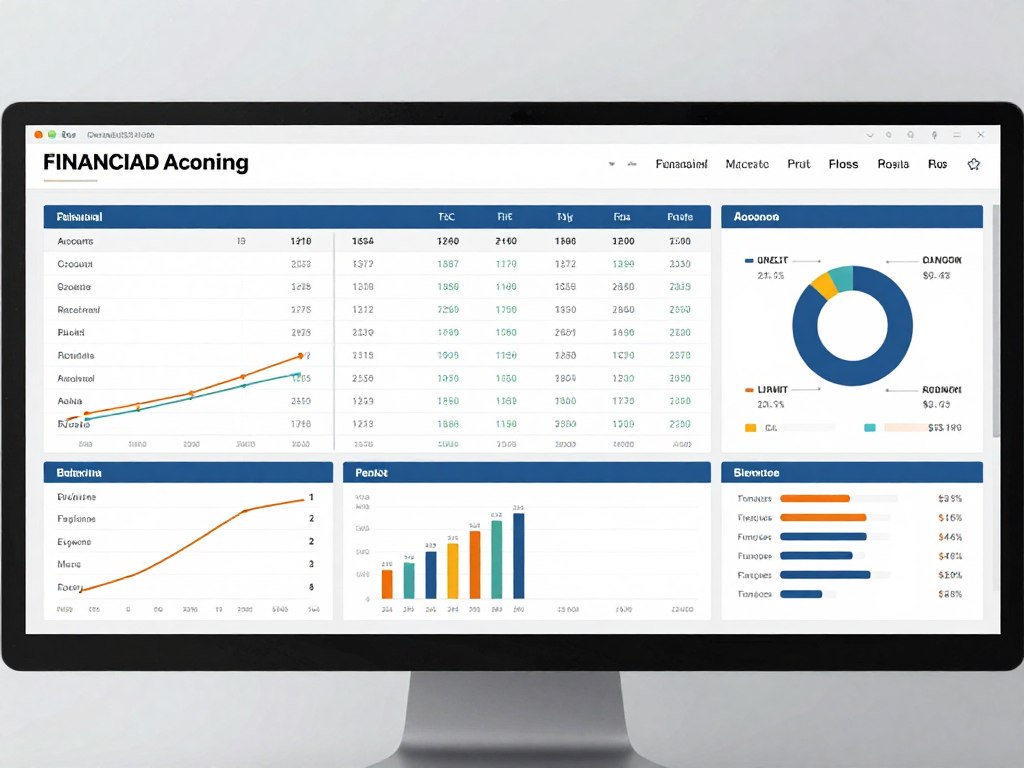
Budgeting and forecasting tools help plan financial resources and track performance against targets. Cost center accounting provides visibility into departmental spending and profitability. Tax compliance features automate calculations and reporting for various jurisdictions.
Integrated CRM capabilities manage customer interactions, sales pipelines, and service requests efficiently. Sales teams track opportunities from lead generation through closing and after-sales service. Customer history and preferences enable personalized service and targeted marketing.
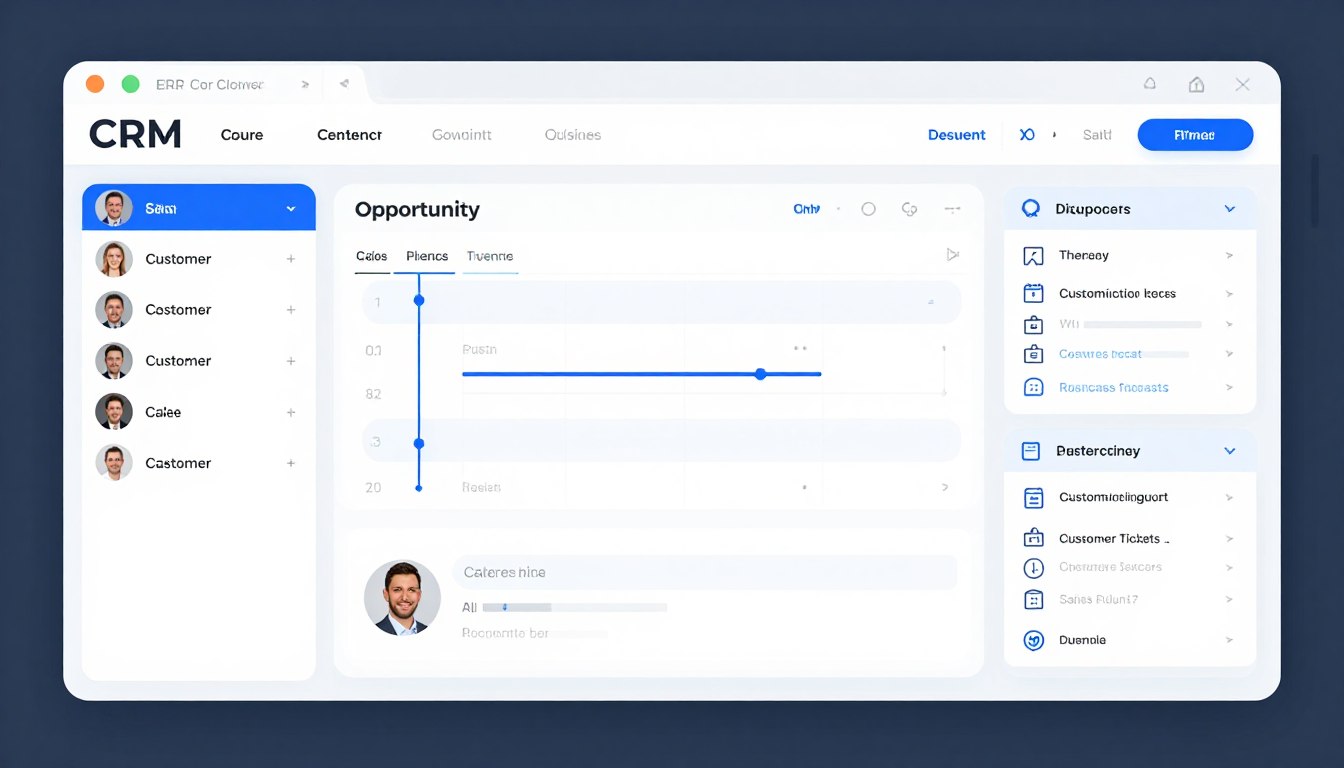
Marketing automation tools segment customers and execute targeted campaigns based on behavior. Service management tracks customer issues, warranty claims, and maintenance contracts. The integration ensures sales, service, and operations share customer information seamlessly.
Manufacturing modules manage production scheduling, bill of materials, and shop floor control. Capacity planning optimizes resource utilization and identifies production bottlenecks early. Work order management tracks jobs from creation through completion with real-time status updates.
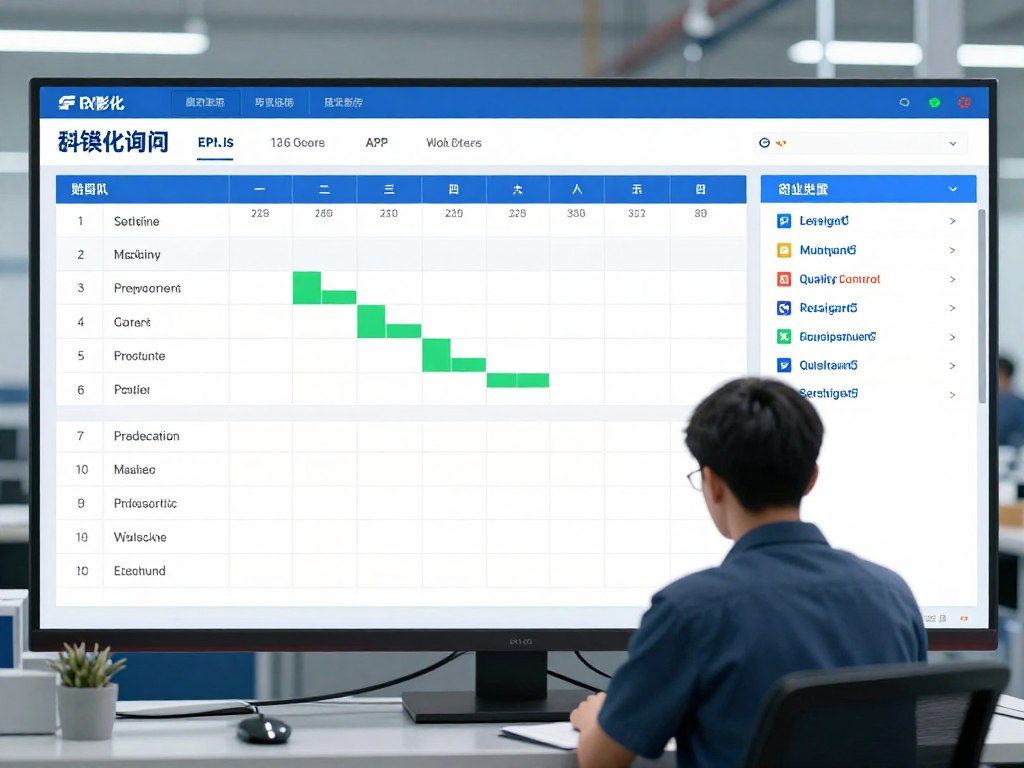
Material requirements planning calculates component needs based on production schedules and inventory. Quality management features track inspections, non-conformances, and corrective actions systematically. Integration with production equipment enables real-time data collection from manufacturing floor.
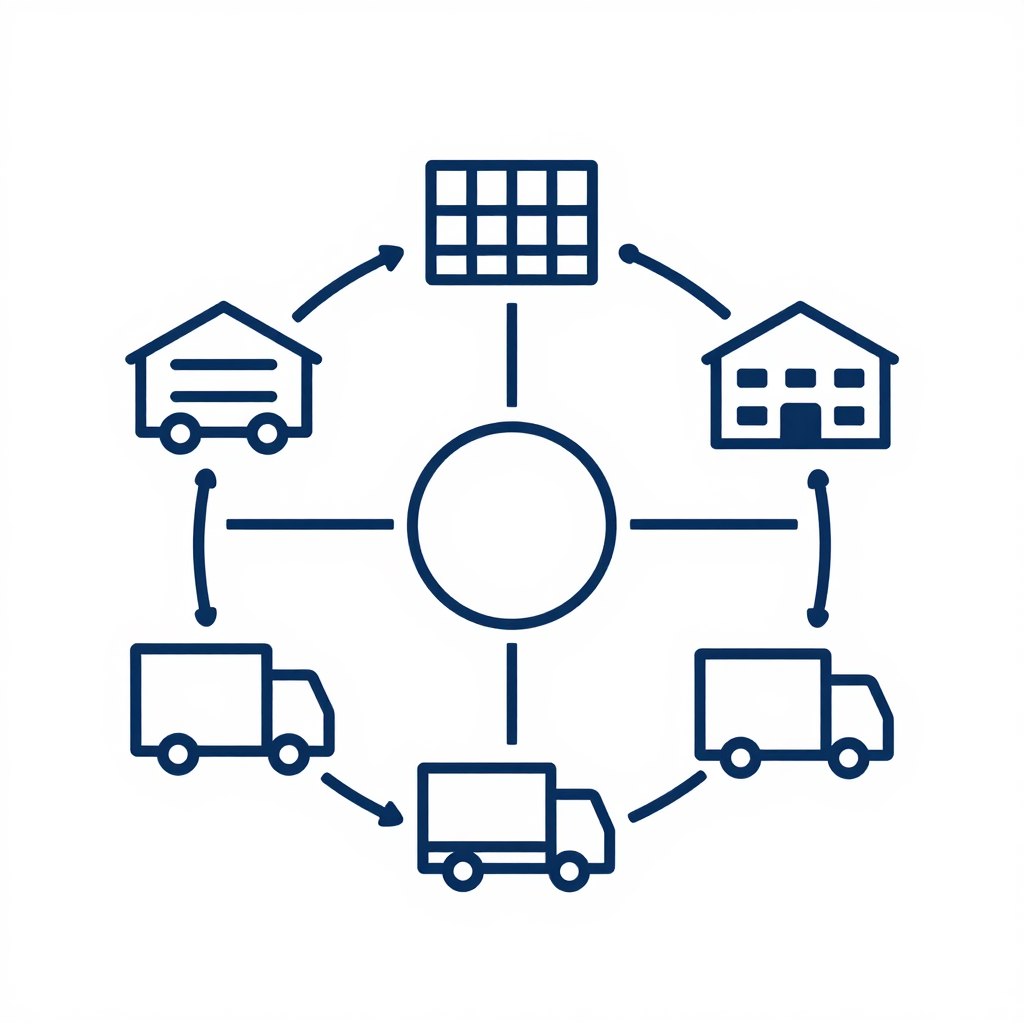
Supply chain modules optimize procurement, vendor management, and logistics operations comprehensively. Automated purchase order generation based on inventory levels and production requirements. Vendor performance tracking helps identify reliable suppliers and negotiate better terms.
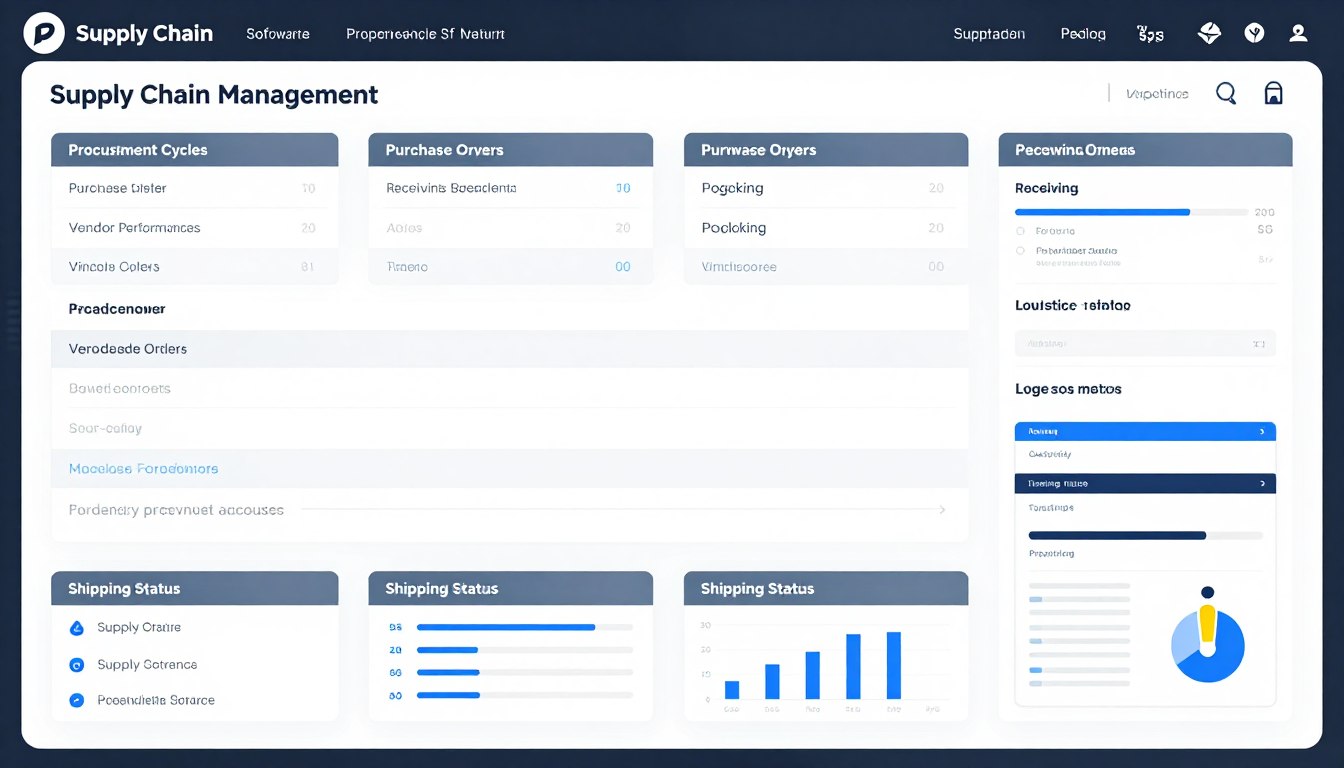
Purchase requisition workflows route requests through appropriate approval chains automatically. Receiving management verifies deliveries against orders and updates inventory immediately. Supplier portals enable vendors to view orders and update delivery status directly.
Built-in analytics transform raw data into actionable insights for strategic decision-making. Customizable dashboards display key performance indicators relevant to different roles. Drill-down capabilities let users explore detailed data behind summary metrics quickly.
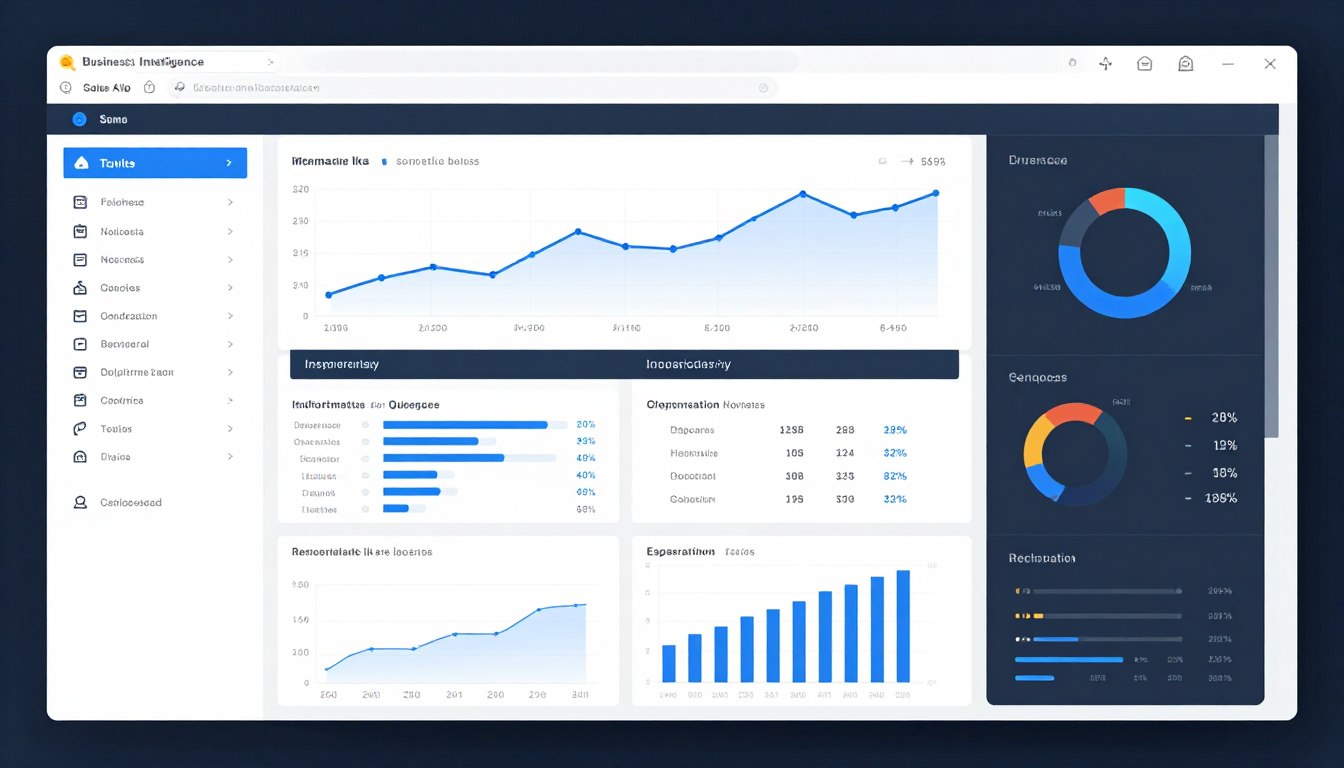
Report generators create custom reports without requiring programming knowledge from users. Scheduled reports automatically deliver information to stakeholders at specified intervals. Predictive analytics use historical data to forecast trends and identify opportunities.





Successful ERP implementation requires careful planning, stakeholder engagement, and change management strategies. Following industry best practices significantly increases the likelihood of on-time, on-budget deployment. Learning from common pitfalls helps organizations avoid costly mistakes during implementation.
Thorough requirements gathering forms the foundation of successful ERP implementations today. Document current processes, pain points, and desired improvements before selecting software. Engage stakeholders from all departments to ensure comprehensive requirement coverage.

Prioritize requirements as must-have, should-have, and nice-to-have for realistic scoping. Validate requirements against business objectives to ensure alignment with strategic goals. Document requirements clearly to provide guidance throughout the implementation project.
Executive sponsorship provides necessary authority, resources, and organizational support for implementation. Leadership commitment signals importance and encourages adoption across all management levels. Sponsors resolve conflicts, remove roadblocks, and maintain project momentum.
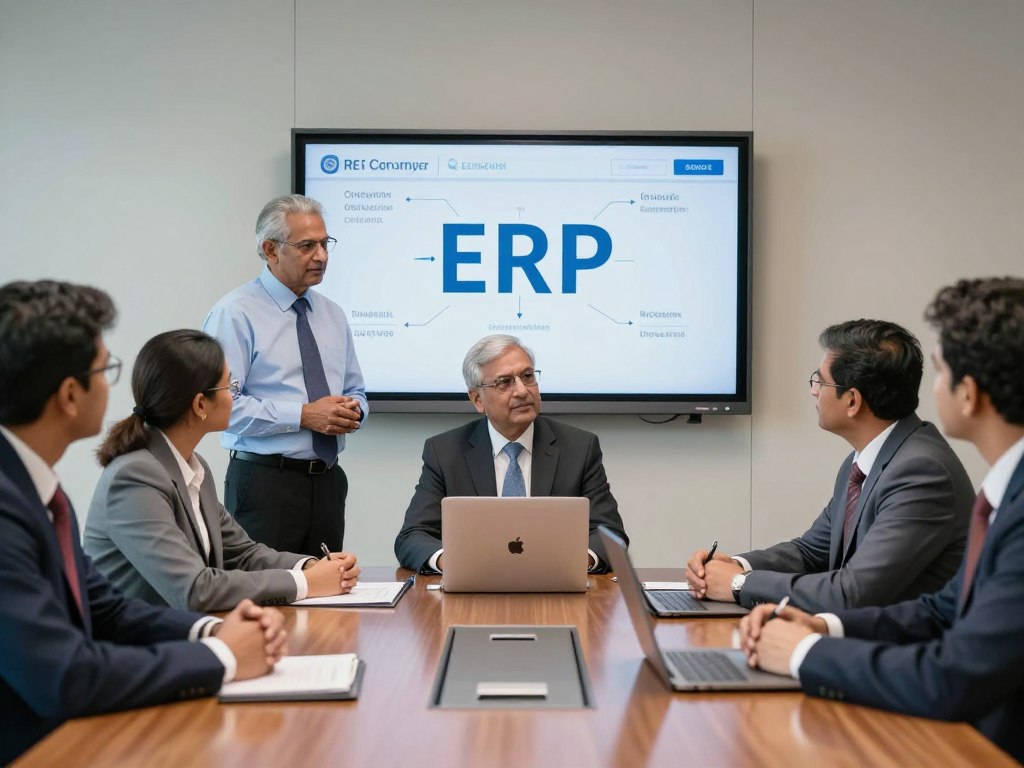
Regular executive involvement through steering committee meetings keeps projects on track. Leaders communicate vision and benefits to build enthusiasm throughout the organization. Their visible participation encourages user engagement and accelerates change adoption.
Change management addresses human factors that often determine implementation success or failure. Communicate early and often about upcoming changes, timelines, and expected impacts. Address concerns proactively and involve users in design decisions when possible.

Training programs prepare users for new workflows and system functionality comprehensively. Create super-users who can support colleagues and serve as departmental champions. Celebrate milestones and quick wins to maintain positive momentum throughout implementation.
Data migration requires meticulous planning to ensure accuracy and completeness in new systems. Assess current data quality and clean inconsistencies before migration begins. Map data fields from legacy systems to new ERP data structures carefully.
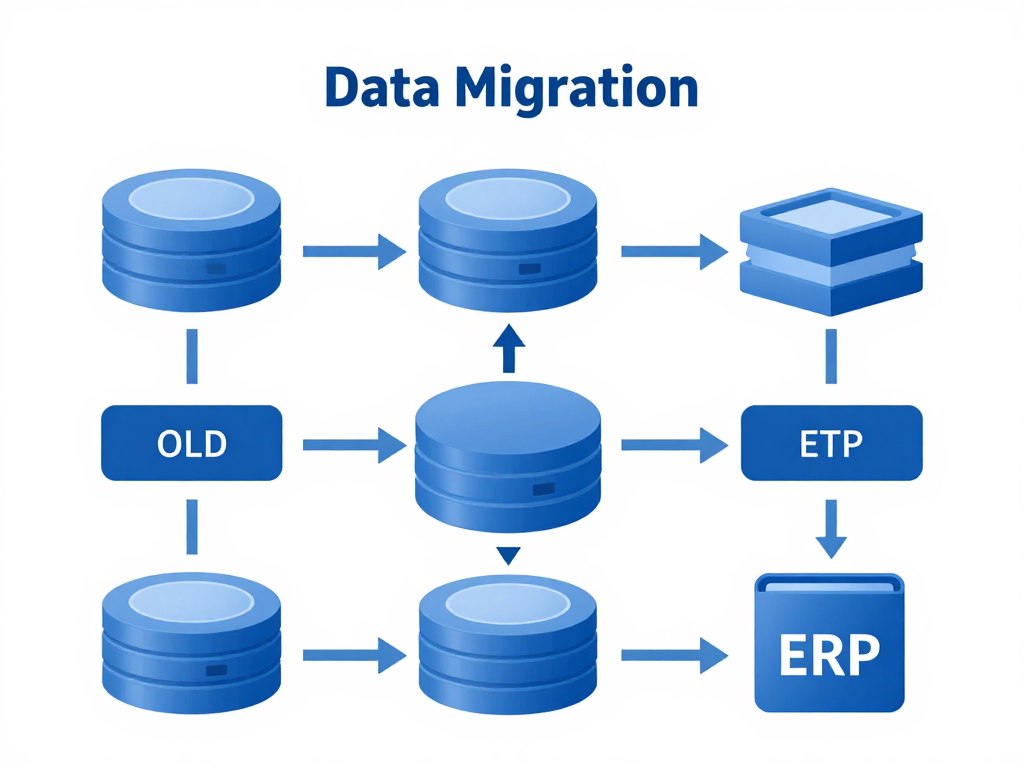
Conduct multiple test migrations to identify and resolve issues before final cutover. Validate migrated data thoroughly against source systems to ensure accuracy. Plan for cutover timing that minimizes business disruption during the transition.
Phased rollouts reduce risk by implementing modules or locations sequentially rather than simultaneously. Start with core modules and add functionality progressively as users gain confidence. This approach allows learning from each phase to improve subsequent deployments.
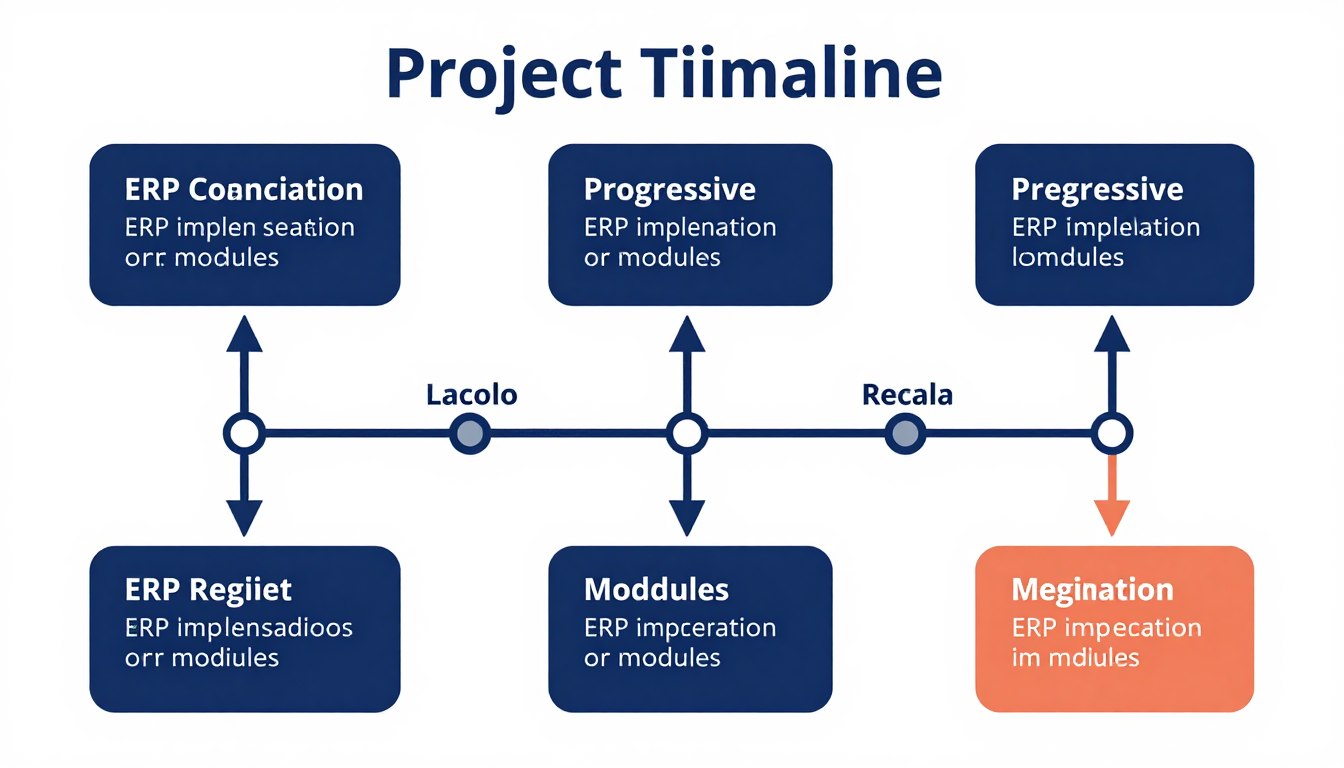
Pilot implementations in selected departments provide valuable feedback before company-wide deployment. Quick wins from early phases build momentum and demonstrate value to skeptical users. Each phase should deliver tangible benefits that justify continued investment and effort.
Executive Support: Active involvement from C-level sponsors throughout project lifecycle ensures priority and resource allocation.
Clear Objectives: Well-defined, measurable goals provide direction and enable tracking of implementation success.
Realistic Timeline: Adequate time for planning, testing, and training prevents rushed deployments and user frustration.
Adequate Resources: Sufficient budget, personnel, and time allocation prevent resource constraints from derailing projects.
User Engagement: Active participation from end-users during design and testing improves adoption and satisfaction.
Comprehensive testing validates system functionality before users depend on it for operations. Test individual modules, integrations, and end-to-end business processes systematically. Include user acceptance testing where actual users verify the system meets requirements.

Performance testing ensures the system handles expected transaction volumes without degradation. Security testing verifies access controls and data protection measures work correctly. Document test cases and results thoroughly for future reference and compliance purposes.
ERP technology continues evolving with emerging innovations that transform enterprise software capabilities. Understanding future trends helps businesses plan long-term technology strategies effectively. Forward-thinking organizations gain competitive advantages by adopting innovations early.
AI capabilities enhance ERP systems with intelligent automation and predictive analytics features. Machine learning algorithms identify patterns in historical data to forecast demand accurately. Intelligent assistants automate routine tasks and provide contextual recommendations to users.
Natural language processing enables users to query systems using conversational interfaces. Automated exception handling identifies anomalies and suggests corrective actions without manual intervention. AI-powered analytics discover insights that humans might miss in complex datasets.
IoT devices connect physical assets to ERP systems for real-time monitoring and control. Sensors track equipment performance, location, and condition automatically throughout operations. This integration enables predictive maintenance and optimizes asset utilization across enterprises.
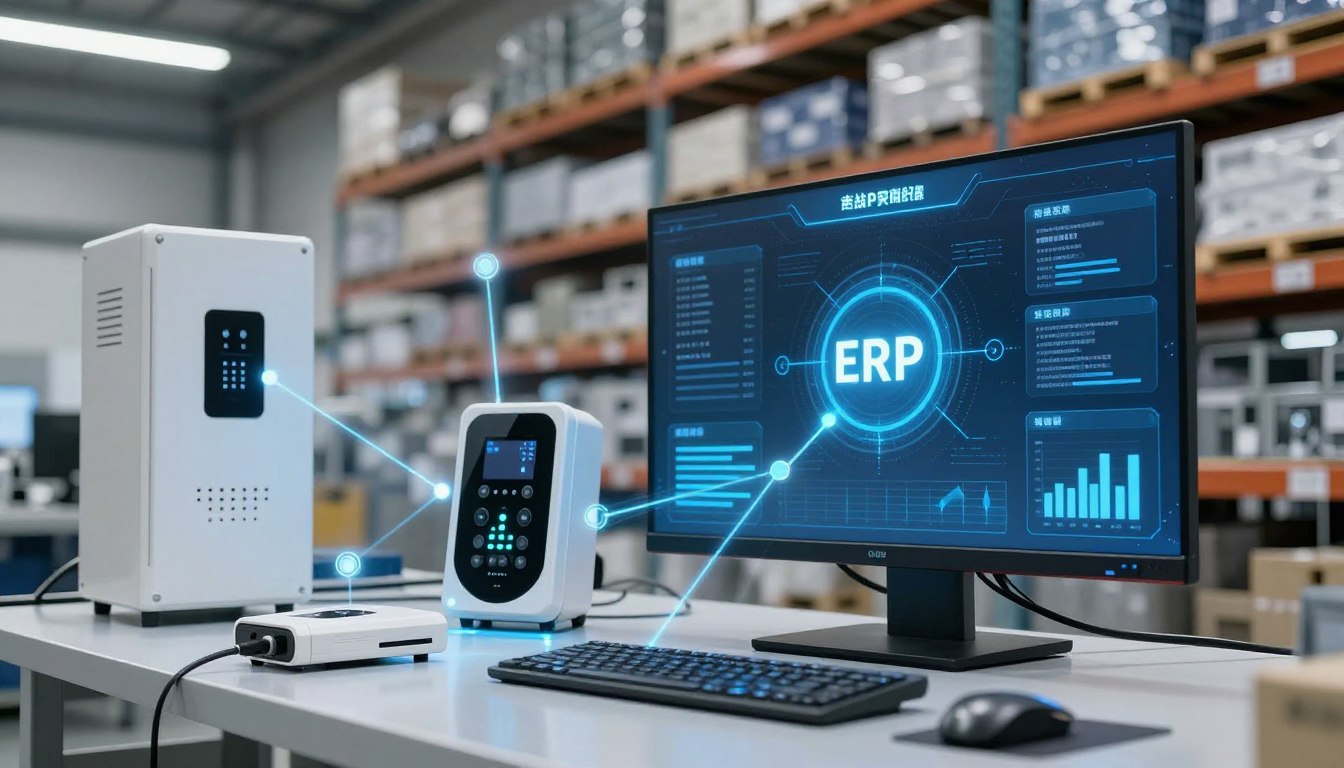
Manufacturing equipment communicates production data directly to ERP without manual entry. Supply chain visibility improves through GPS tracking and RFID tags on shipments. Smart warehouses use IoT for automated inventory management and order fulfillment.
Mobile accessibility transforms how users interact with ERP systems outside traditional offices. Dedicated mobile applications provide full functionality optimized for smartphones and tablets. Field workers access critical information and complete tasks from customer locations.
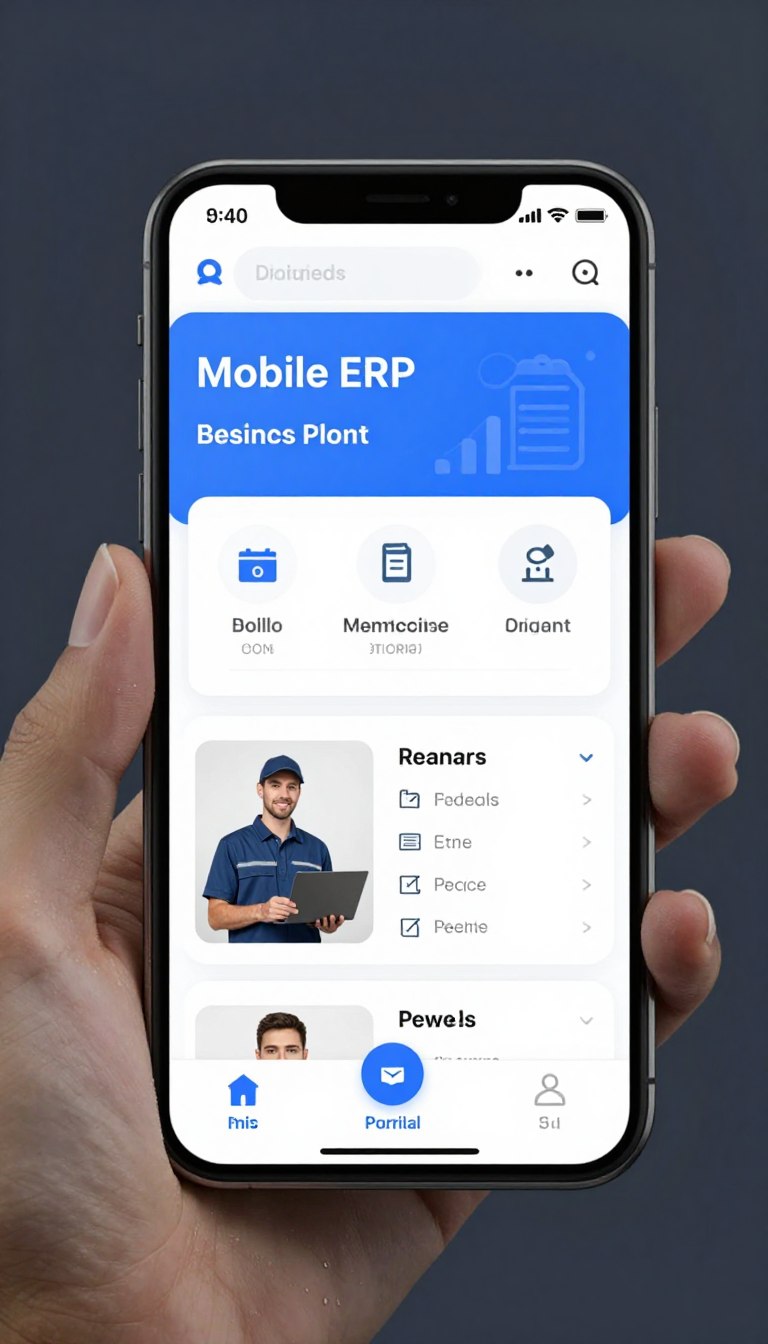
Offline capabilities ensure productivity continues even without internet connectivity in remote areas. Mobile approvals accelerate workflows by enabling decisions anywhere, anytime from executives. Location-based services provide contextual information relevant to user's current position.
Blockchain technology enhances supply chain traceability and authenticity verification for products. Distributed ledgers create immutable records of transactions across supply chain partners. This transparency builds trust and enables rapid identification of quality issues.
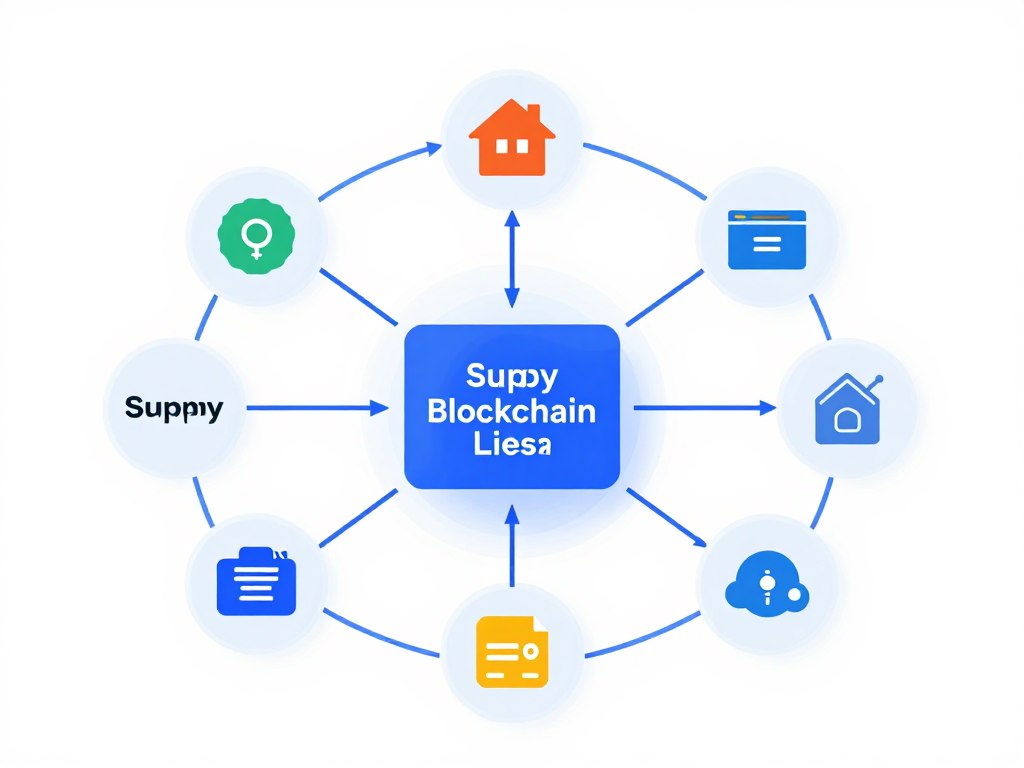
Smart contracts automate payment releases when delivery conditions are verified through blockchain. Counterfeit prevention improves through secure product authentication at every supply chain stage. Regulatory compliance becomes easier with transparent, auditable transaction histories.

ERP implementation costs vary widely based on business size, complexity, and solution type. Small businesses typically invest between ₹5 lakhs to ₹25 lakhs for cloud-based ERP solutions. This includes software licenses, implementation services, training, and initial customization.
On-premise solutions generally require higher upfront investment ranging from ₹15 lakhs to ₹50 lakhs. Cloud ERP offers lower initial costs with monthly subscription fees between ₹10,000 to ₹1 lakh depending on users. Factor in ongoing costs for support, maintenance, and future enhancements when budgeting.
Implementation timelines depend on project scope, business complexity, and readiness factors. Small business implementations with cloud ERP typically complete within 3 to 6 months. Mid-sized companies require 6 to 12 months for comprehensive deployments with customization.
Large enterprise implementations often extend 12 to 24 months or longer for complex requirements. Phased rollouts may span several years as organizations implement modules sequentially. Proper planning, dedicated resources, and realistic schedules significantly impact timeline success.
Modern ERP systems offer extensive integration capabilities with existing business software applications. Standard APIs enable connections to CRM, e-commerce platforms, payment gateways, and industry-specific tools. Middleware solutions facilitate data exchange between ERP and legacy systems.
Integration complexity varies based on application architecture and data formats involved. Cloud-based ERP platforms typically provide pre-built connectors for popular business applications. Custom integrations may require development effort but ensure seamless data flow across systems.
Comprehensive training ensures users adopt ERP systems effectively and maximize their capabilities. Role-based training focuses on functions relevant to each user's responsibilities and workflows. Initial training typically requires 2 to 5 days depending on role complexity.
Super-users receive advanced training to support colleagues and champion system adoption. Ongoing training addresses new features, updates, and process improvements over time. Video tutorials, documentation, and hands-on practice reinforce classroom learning for better retention.
Reputable cloud ERP providers implement enterprise-grade security measures exceeding most organizations' capabilities. Data encryption protects information during transmission and storage using industry-standard protocols. Multi-factor authentication prevents unauthorized access to sensitive business data.
Regular security audits and compliance certifications demonstrate provider commitment to data protection. Redundant data centers ensure business continuity through disaster recovery and backup procedures. Choose providers with ISO 27001, SOC 2, and relevant industry certifications.
ERP platforms offer extensive customization capabilities to address unique industry requirements effectively. Industry-specific solutions include pre-configured workflows, reports, and features for particular sectors. Custom development creates specialized modules for processes not covered by standard software.
Configuration options allow businesses to adapt workflows, fields, and interfaces without coding. Balance customization needs against maintainability and upgrade complexity for long-term success. Work with experienced providers who understand your industry's specific challenges and regulations.
Scalable ERP systems accommodate business growth through flexible architecture and modular design. Cloud platforms easily add users, storage, and processing capacity as needs expand. Additional modules activate when businesses enter new markets or add capabilities.
Plan for scalability during initial selection to avoid costly migrations later. Most modern ERP systems handle substantial growth without requiring platform replacement. Regular reviews ensure the system continues meeting evolving business requirements over time.
ROI measurement tracks quantifiable improvements in efficiency, costs, and revenue after implementation. Compare operational metrics before and after ERP deployment to demonstrate value. Key indicators include reduced cycle times, lower inventory costs, and improved order accuracy.
Calculate cost savings from eliminated manual processes, reduced errors, and improved productivity. Revenue increases from better customer service and faster fulfillment contribute to ROI. Most organizations achieve positive ROI within 18 to 36 months after going live.

Selecting an ERP solution provider represents a critical business decision with long-term implications. The right partner brings industry expertise, technical capabilities, and support commitment. Thorough evaluation prevents costly mistakes and ensures successful digital transformation.
Local ERP companies in Noida offer advantages including on-site support and cultural understanding. Proximity enables face-to-face meetings during planning and implementation phases effectively. Time zone alignment facilitates real-time communication and faster issue resolution.
Research provider backgrounds, client portfolios, and market reputation thoroughly before engaging. Visit offices to assess facilities, team size, and professionalism of operations. Request demonstrations using industry-specific examples relevant to your business requirements.
Prepare comprehensive questions that reveal provider capabilities, approach, and cultural fit. Inquire about implementation methodology, project management practices, and success metrics. Understanding their answers helps identify the best-suited partner for your organization.

Pilot projects validate provider claims and demonstrate system capabilities before full commitment. Test critical workflows and integrations that are essential to your business. Proof-of-concept implementations reduce risk by verifying feasibility before major investment.

Define clear success criteria for pilot projects including functionality, performance, and usability. Involve end-users in pilot testing to gather realistic feedback and identify issues. Use pilot results to refine requirements and implementation approach for main rollout.
Carefully review contract terms covering implementation scope, deliverables, and payment schedules. Service level agreements define support response times and system availability guarantees. Clear contracts prevent misunderstandings and protect both parties' interests.

Negotiate favorable terms including milestone-based payments tied to project deliverables. Ensure contracts address intellectual property rights for customizations and configurations. Include exit clauses that allow transition to alternative providers if relationships deteriorate.

ERP software represents a strategic investment that drives operational efficiency and business growth. The right system integrates processes, eliminates data silos, and provides actionable insights. Businesses gain competitive advantages through improved agility and customer service.
Noida's vibrant technology ecosystem offers numerous qualified ERP solution providers today. Local companies understand Indian business practices, regulatory requirements, and market dynamics. They deliver tailored solutions combining global best practices with local expertise.
Success requires thorough planning, stakeholder engagement, and realistic expectations throughout implementation. Choose partners who demonstrate industry experience, technical competence, and support commitment. Invest adequate time in requirements analysis, vendor selection, and change management.
The journey from evaluation to full ERP adoption challenges organizations significantly. However, the long-term benefits justify the effort through measurable operational improvements. Businesses that successfully implement ERP position themselves for sustainable growth and market leadership.
Modern cloud ERP platforms offer cost-effective entry points for businesses of all sizes. Scalable architectures accommodate growth without requiring platform replacement or major reinvestment. Mobile accessibility and AI capabilities prepare organizations for future business challenges.
Take the first step today by assessing your current operational challenges and future goals. Consult with experienced ERP providers in Noida to explore solution options. The right ERP system transforms how you operate and compete in today's digital economy.